Long Video to Shorts Made Easy with AI Magic

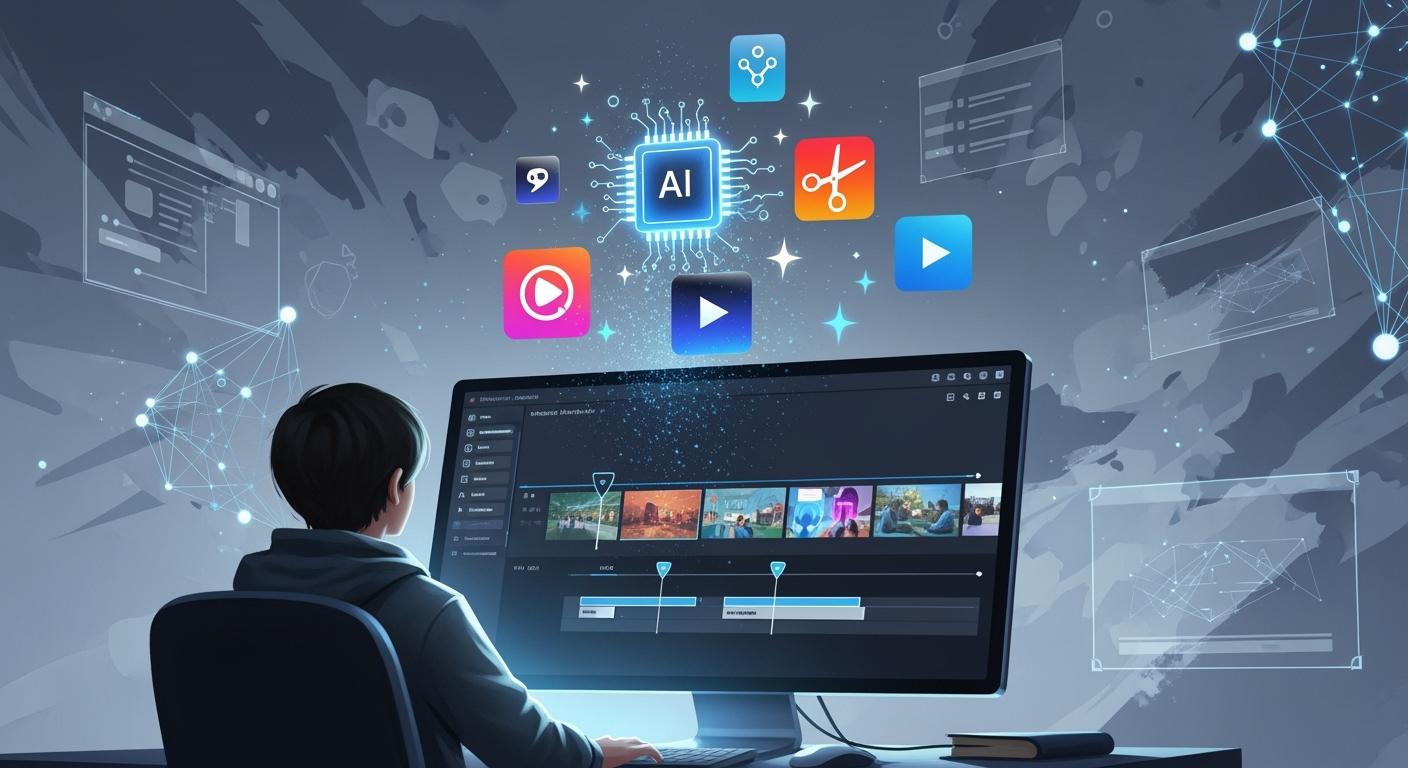
Ever spent hours chopping up a long video just to get a few short clips? You know how tedious and tiring that can get. With LinkStart AI’s Long-to-Shorts Engine, you skip the struggle and let smart technology handle the heavy lifting. AI spots the best moments, clips them instantly, and saves you loads of time. You don’t need editing skills—just upload and watch the magic happen. Creating engaging long video to shorts is now easy and fun.
Key Takeaways
Use LinkStart AI's Long-to-Shorts Engine to turn long videos into fun shorts fast. You can make content without spending much time or effort.
Short videos help people pay attention more. They bring in more viewers and keep them watching. This is important for growing your audience.
Change old videos into new shorts to reach more people. One long video can make many shorts. This saves you time and keeps your viewers interested.
Use AI tools to cut and find scenes automatically. This gives you good clips that show the best parts. You do not need to edit by hand.
Make your shorts fit each platform. Change your content for TikTok, Instagram Reels, and YouTube Shorts. This helps more people see and like your videos.
Why Long Video to Shorts Matters
Engagement Boost
You want your videos to grab attention and keep viewers watching. Short-form videos do this better than long ones. People love quick, punchy clips. In fact, short videos get about 2.5 times more engagement than longer ones. Most viewers decide in just a few seconds if they will keep watching. If you use long video to shorts tools, you can catch their interest right away.
Here’s what the numbers show:
YouTube Shorts has an engagement rate of nearly 6%.
TikTok’s engagement rate is close behind at 5.75%.
About 66% of people say short videos are the most engaging content.
You can see why creators and businesses are switching to short-form content. It’s not just a trend—it’s how you build a loyal audience.
Platform Reach
Shorts help you reach more people on every platform. YouTube Shorts, TikTok, and Instagram Reels all have special feeds for short videos. This means your clips can show up for viewers who have never seen your channel before. Over 2 billion people watch YouTube Shorts each month. That number keeps growing.
Check out this quick comparison:
Statistic | Short-Form Video | Long-Form Video |
|---|---|---|
Engagement Rates | 2.5× higher | Lower |
Daily Consumption | N/A | |
Monthly TikTok Usage | 58.4 hours | N/A |
When you turn long video to shorts, you open the door to new fans and bigger reach.
Content Repurposing
You don’t need to film new content every day. With the right tools, you can turn one long video into a week’s worth of shorts. This saves you time and money. Your old videos keep working for you, bringing in views long after you post them.
Shorts appear in their own feed, so they don’t hurt your main videos.
New viewers can find your content even if they don’t know your channel.
One recording session can fill your social media calendar for weeks.
LinkStart AI’s Long-to-Shorts Engine makes this process simple. You upload your video, and the AI does the rest. You get more content, more reach, and more engagement—all with less effort.
AI Solutions for Long Video to Shorts
Automated Cutting
You do not need to spend hours cutting videos now. LinkStart AI’s Long-to-Shorts Engine does the hard work for you. It uses smart AI to cut your video. The tool uses Whisper to mark where each word starts and ends. This makes sure every cut is smooth and does not break words. Your shorts will look neat and professional.
AI video editors work 5.5 times faster than people.
The system takes out dead air, filler words, and mistakes.
You save time and get better videos.
You can turn a long video to shorts in just a few minutes. This fast process lets you make more videos or grow your channel.
Scene Detection
It is hard to find the best parts in a long video. LinkStart AI’s Gemini tool does this job for you. It looks at your video and finds 3 to 6 moments that keep people watching. You do not have to guess what is good—the AI knows.
Benefit | Description |
|---|---|
Shorter project delivery times | AI-powered scene detection makes your work faster. |
Lower error rates | The tool finds scenes with high accuracy. |
Improved creative focus | You can spend more time on stories, not edits. |
Consistent output quality | Every short looks great for your viewers. |
Flexibility to adapt | You can change your style or format fast. |
FFmpeg gets each clip ready for TikTok, Instagram Reels, or YouTube Shorts. You always get videos that fit the platform.
Captioning Features
Captions are not just words on the screen. They help everyone understand your video, even with no sound. LinkStart AI’s Long-to-Shorts Engine uses AI to make captions that match your video.
Subtitles used to help people who could not hear. Now, they are important for everyone who watches videos. Using an AI subtitles generator is not just about saving time. It helps you get better watch times, more people watching, and lets you reach viewers all over the world.
Captions work in many languages.
They help people follow your video, no matter where they live.
Moving captions make your shorts more fun to watch.
You can also set your shorts to post by themselves. This means you post often without extra work. Your fans will keep coming back for more.
Quick Guide: Long Video to Shorts Editing
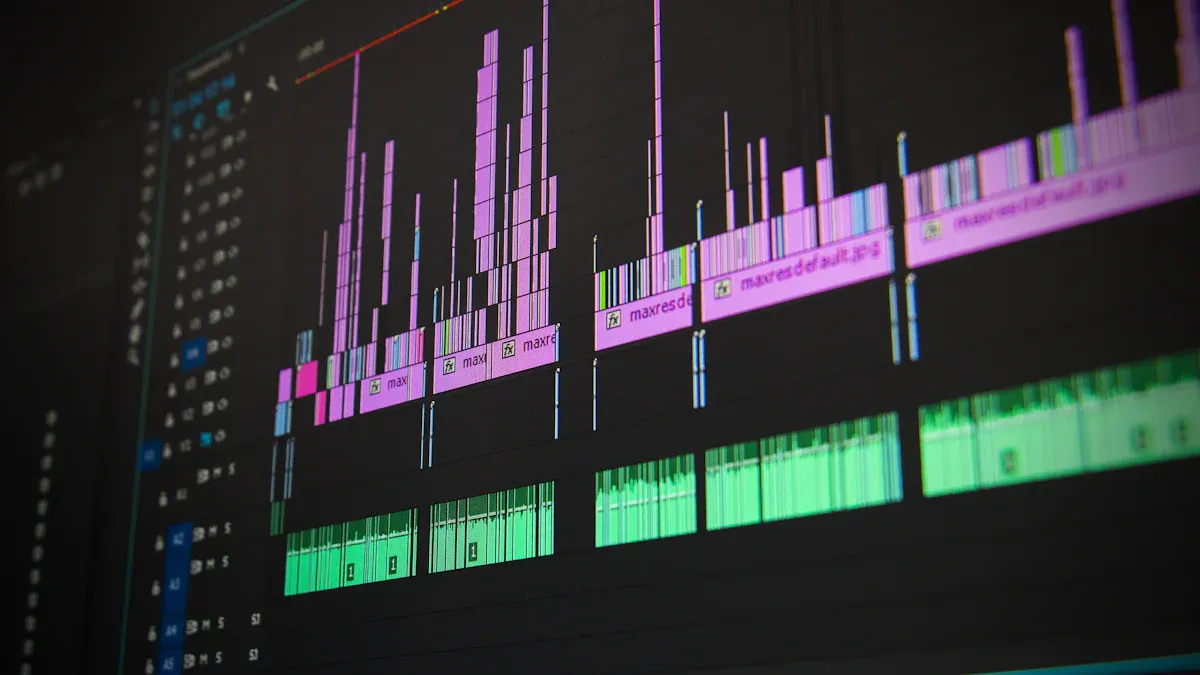
Ready to turn your long videos into a week’s worth of scroll-stopping shorts? You don’t need to be a tech wizard. Just follow these simple steps and let LinkStart AI’s toolkit do the heavy lifting.
Choose Your AI Tool
Picking the right AI tool makes all the difference. You want something that’s fast, smart, and easy to use. Here’s what you should look for:
High-quality highlight detection—finds the best moments without missing a beat.
Captions that look natural, not robotic.
Automatic formatting for each social media platform.
Fast workflow and the ability to handle lots of videos.
Tools that keep your brand style consistent.
Privacy and ownership features to keep your content safe.
LinkStart AI’s Long-to-Shorts Engine checks all these boxes. You get a toolkit that’s built for creators who want results without the hassle.
Upload and Transcribe
Now it’s time to get your video into the system. The process is quick and simple:
Upload your video. Drag and drop your file or paste a YouTube link. The platform supports MP4, Zoom recordings, and more.
Let the AI transcribe your video. The system listens to every word and turns it into text. You can even pick the language or let it recognize different speakers.
When the transcript is ready, you can copy, download, or share it with your team.
AI transcription works fast and can reach up to 99% accuracy in the right conditions. You save hours compared to typing everything out by hand.
Tip: If you have a long video to shorts project, AI transcription helps you find the best parts in seconds.
AI Highlights Selection
This is where the magic happens. The AI scans your video and picks out the most engaging moments. Here’s how it works:
Scene detection: The AI spots changes in visuals or camera angles, so you get the most interesting scenes.
Speaker emphasis: It notices when someone raises their voice or makes a key point.
Audience engagement: The system can even pick up on laughter, applause, or other reactions.
You don’t have to watch the whole video yourself. The AI finds the highlights for you, making sure your shorts grab attention right away.
Customize Clips
Want to make your shorts stand out? You have lots of options to tweak and polish each clip. Check out some of the features you can use:
Feature | What You Can Do |
|---|---|
Add accurate subtitles with cool animations. | |
Automated framing | Crop your video to vertical, keeping the main subject in view. |
Automated tracking | Focus on the speaker, even if there are multiple people. |
Auto-censor profanity | Mute any bad words to keep your brand safe. |
Text-based video editing | Edit by changing the transcript—no timeline headaches. |
Keyword search and clip | Find a quote and turn it into a short instantly. |
Editable timeline | Adjust start and end times, fix captions, and crop right in the app. |
Customizable settings | Pick from over 40 styles and settings to match your vibe. |
Brand templates | Save your favorite styles and use them again and again. |
You can make each short unique or keep a consistent look for your brand. The choice is yours.
Export and Share
You’re almost done! Now it’s time to get your shorts out into the world.
Export your clips in the perfect format for TikTok, Instagram Reels, or YouTube Shorts.
The system automatically crops and resizes your videos, so you don’t have to worry about aspect ratios.
Schedule your posts ahead of time. The toolkit can auto-post one short per day, keeping your feed active without extra effort.
Note: With LinkStart AI, you can turn one long video into a week’s worth of shorts, ready to share everywhere your audience hangs out.
You just saved hours of editing and made your content work harder for you. That’s the power of smart AI tools for long video to shorts editing.
Tips for Quality Shorts
Maximize Engagement
You want your shorts to stand out and keep viewers watching. Start by knowing what you want to achieve. Set clear goals for each video. Think about who will watch your content and where they will see it. Build your videos around a few main topics, or content pillars, that match your brand.
Here’s a simple plan to boost engagement:
Learn about your audience and the platform you use.
Pick a few main topics for your videos.
Start each short with a strong hook.
Make your videos easy to find with good titles and tags.
Post regularly to stay on your audience’s mind.
Check your results and keep improving.
Engagement rates on video content are 38% higher than on static posts. If you focus on real, authentic moments, you can drive more discovery and interaction.
Platform Optimization
Every platform has its own style. YouTube Shorts, TikTok, and Instagram Reels all reward different things. Repurpose your content for each one to reach more people. Respond to comments and join in on trends to build a community. Try teaming up with other creators for even more reach.
Adapt your videos for each platform’s format.
Talk with your viewers in the comments.
Watch your stats like watch time and shares to see what works.
Did you know? 90% of users say short videos help them find new brands. YouTube Shorts gets over 50 billion daily views. Instagram Reels brings in 22% more engagement than regular video posts.
Avoid Common Mistakes
Some mistakes can hurt your shorts. Don’t treat captions as an afterthought. Typos or bad timing can make viewers lose trust. Avoid putting too many words on the screen. Keep captions clear and simple. Make sure your captions are easy to read. Use strong contrast and good placement so everyone can follow along.
Skip over-captioning—only show what matters.
Double-check for typos and timing.
Use fonts and colors that stand out from the background.
Great captions help everyone enjoy your shorts, no matter where or how they watch.
Troubleshooting & FAQs
Common Issues
Even with smart AI tools, you might run into a few bumps along the way. Don’t worry—most problems have quick solutions. Here are some of the most common issues people face when turning long videos into shorts:
Over-Clipping Your Content: Sometimes, the clips end up too short or miss the best moments. Shorts work best when they last between 15 and 30 seconds.
Ignoring Platform Specifications: Each platform has its own video size and format. If you skip presets, your video might not look right on TikTok, Instagram Reels, or YouTube Shorts.
Neglecting Caption Accessibility: Many viewers watch without sound. If you forget captions, you lose a big part of your audience.
Inconsistent Branding: If your videos don’t have the same colors, logos, or style, people might not recognize your brand.
Poor Timing Strategy: Posting at random times can mean fewer people see your shorts. You want to post when your audience is online.
Ignoring Hook Importance: If your video doesn’t start strong, viewers might scroll away before they see the good stuff.
Lack of Cross-Platform Optimization: Using the same video everywhere can miss the mark. Each platform has its own vibe.
Insufficient Content Testing: If you never try new styles or topics, you might not know what your audience likes best.
Quick Fixes
You can solve most issues with a few simple steps:
Set Clip Lengths: Use the AI’s recommended settings to keep your shorts between 15 and 30 seconds.
Choose Platform Presets: Let the toolkit format your video for each platform. This keeps your content looking sharp everywhere.
Always Add Captions: Turn on auto-captioning. Double-check for typos or timing errors before posting.
Use Brand Templates: Save your favorite colors, fonts, and logos. Apply them to every short for a consistent look.
Schedule Posts: Use the auto-scheduling feature to post when your audience is most active.
Start with a Hook: Make sure the first few seconds grab attention. Try a question, bold statement, or quick teaser.
Tweak for Each Platform: Adjust your video’s style or message to fit TikTok, Instagram, or YouTube.
Test and Learn: Try different topics, hooks, and styles. Check your stats to see what works best.
Tip: If you ever get stuck, check the help center or reach out to support. You’re not alone—every creator faces a learning curve at first!
Turning long videos into shorts feels simple when you use AI. You save time and boost your creativity. With LinkStart AI’s Long-to-Shorts Engine, you get:
Faster editing and easy-to-use tools
Consistent branding across every video
Higher engagement and more viewers
Cost savings and better video quality
Try the toolkit for yourself. Share your new shorts and see how your audience reacts. You might discover new fans and fresh ideas every week!
FAQ
How fast can I turn a long video into shorts?
You can get your shorts in just a few minutes. The AI does all the hard work for you. You just upload, wait, and download your ready-to-share clips.
Do I need editing skills to use LinkStart AI?
No editing skills needed! The toolkit is super easy. You upload your video, and the AI handles everything. You can focus on your ideas, not the tech.
Can I use my shorts on different platforms?
Yes, you can! The toolkit formats your shorts for TikTok, Instagram Reels, and YouTube Shorts.
You get clips that fit each platform perfectly.
Will my captions be accurate?
The AI uses smart tools to make captions that match your video.
Captions are clear
They sync with your words
You can edit them if you want
What if I need help?
You can check the help center or contact support anytime.
Friendly experts are ready to answer your questions and guide you.
See Also
Best 10 AI Tools for TikTok Video Creation in 2025
AI Voice Cloning: A Cost-Effective Solution for Global Creators
Using AI Tools to Craft Captivating Social Media Visuals
Enhancing Decision-Making Processes Through AI Technology
Disney and OpenAI GPT-5.2 Collaborate to Transform Creative Media

© Copyright 2025 LinkstartAI - All Rights Reserved.