How to better write prompts for Nano Banana
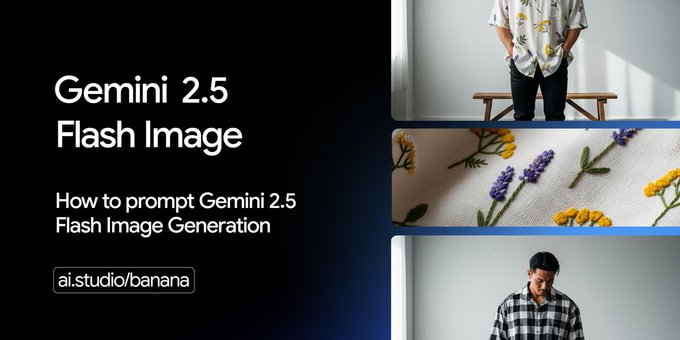
You want to better write prompts for Nano Banana? Start with a direct request and focus on the system prompt. Clear ai prompts help you as a user get the best results. Try a proper four-part prompt for your user request or task. A good system prompt turns your request into something powerful!
Key Takeaways
Start with a clear and direct request to guide the AI effectively.
Define a persona for the AI to set expectations and style for your prompts.
Provide detailed context and examples to enhance the accuracy of image generation.
Better Write Prompts
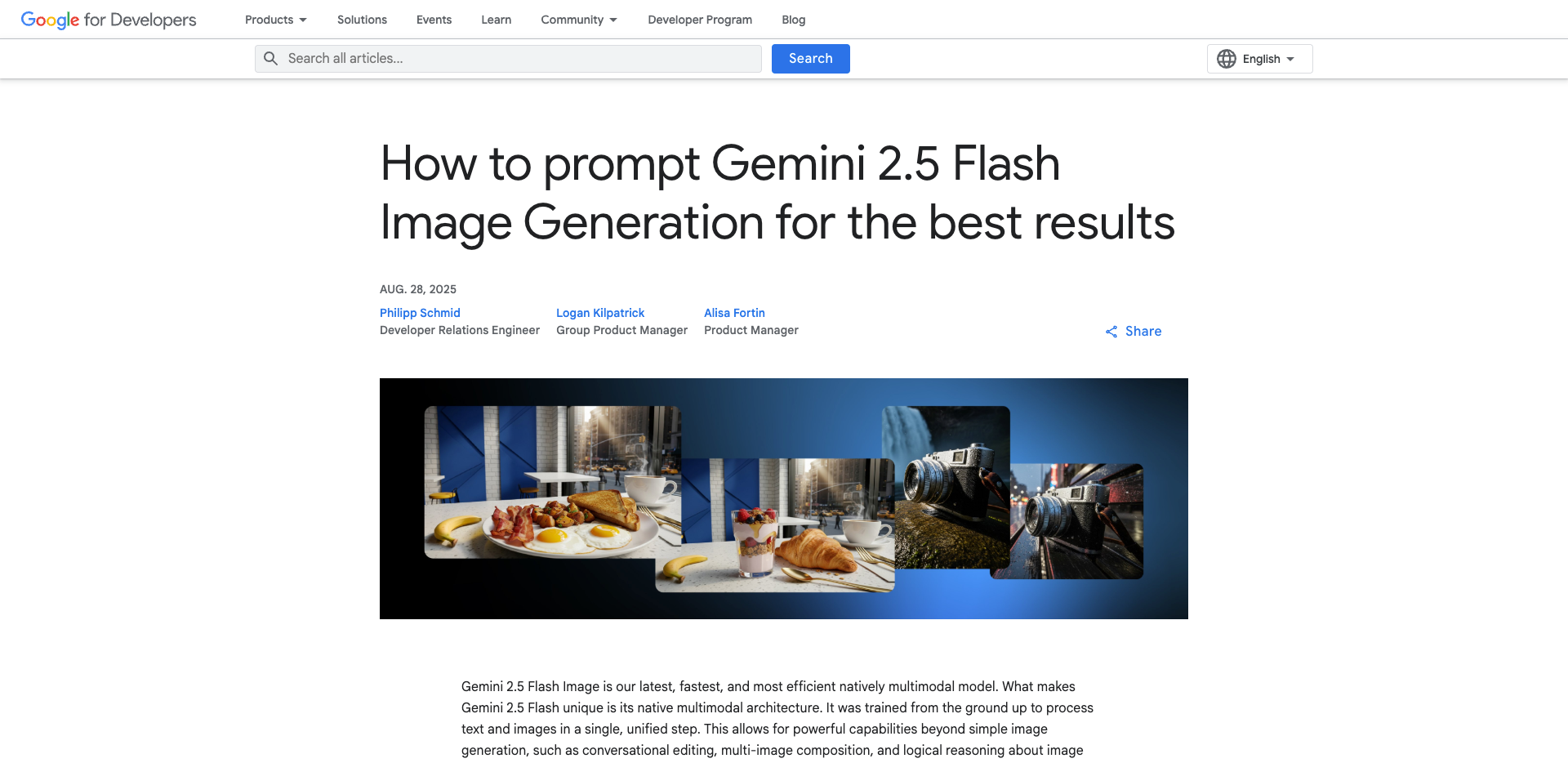
When you want to get the best results from Nano Banana or Gemini 2.5 Flash Image, you need to better write prompts. Clear and specific prompts help you guide the AI to create exactly what you imagine. If you use vague language, you might get unpredictable results. Let’s break down how you can improve your prompts and make your image generation experience smoother.
Define Persona
Start by deciding who the AI should be for your task. You can assign a role, like “expert photographer,” “comic book artist,” or “architect.” This helps the AI understand your expectations and the style you want. When you define a persona, you set the tone and authority for your prompt. Here’s a simple table to help you organize your persona:
Element | Description |
|---|---|
Purpose | State what you want to achieve, like creating a logo or editing a photo. |
Role | Choose a persona, such as designer or storyteller, to guide the style and decisions. |
Order of Action | List the steps you want the AI to follow, like sketch, color, and refine. |
Mould the Format | Tell the AI how to structure the output, such as sections or bullet points. |
Personality | Pick a tone, like friendly or formal, that matches your audience. |
Tight Controls | Set limits, like keeping colors natural or making sure faces look realistic. |
When you specify the AI’s role, you make it easier to refine your visuals. For example, if you want to adjust lighting or materials in an architectural scene, you can guide the AI step by step. This makes your workflow more controlled and keeps your design consistent.
Clarify Task
After you set the persona, you need to clarify the task. A clear task description helps the AI know exactly what you want. You should include details like the subject, composition, action, location, and style. Here’s a table to help you organize your task:
Element | Description |
|---|---|
Composition | Describe how you want the image framed, like close-up or wide shot. |
Subject | Name the main object, such as a mountain, person, or animal. |
Action | Say what’s happening, like running, smiling, or flying. |
Location | Give the setting, like a beach, city, or forest. |
Style | Choose an artistic style, like cartoon, realistic, or watercolor. |
If you use narrative prompts, you help the AI understand how all the parts fit together. For example, “A snow-capped mountain at sunrise with a calm lake in front” gives the AI a clear picture. This works much better than just saying “a mountain view.” You can also ask for changes, like “make the sky brighter” or “add more trees,” to get closer to your vision.
Tip: If you keep your prompts simple and direct, you avoid confusion and get better results. If you run into problems, try breaking your prompt into smaller steps or be more explicit with your instructions.
When you better write prompts, you make image generation easier and more fun. You can overcome common challenges, like misinterpretation or quality issues, by simplifying your requests and iterating on the results. The more you practice, the better your prompts will become, and the more control you’ll have over your creative projects.
Add Context
Give Details
When you want the best results from image generation, you need to give the AI as much detail as possible. Think about what you want to see in the final image. Who is the audience? What is your goal? Adding this kind of context helps Nano Banana understand your request and deliver exactly what you want.
Include the subject, like a person, animal, or object.
Describe the composition. Do you want a close-up or a wide shot?
Pick a style, such as cartoon, realistic, or watercolor.
Add editing instructions if you have them, like “make the colors brighter” or “add a shadow.”
The more details you give, the more accurate and relevant your image generation results will be. If you just say “a cat,” you might get any kind of cat. If you say “a fluffy white cat with blue eyes sitting on a red velvet cushion,” you get something much closer to your vision.
Gemini 2.5 Flash Image takes this even further. Its multimodal abilities mean it can understand both text and images at the same time. When you add context, Gemini 2.5 can reason through your request, making your results sharper and more on target.
Use Examples
Let’s look at some example prompts that show how context changes everything:
Virtual Outfit Swap: Replace the [clothes] with a [clothes], keeping realistic fabric shine and folds.
Text Edits on Signs: Change the sign to say [your words] with bold letters, same font style.
Background Teleport: Move the subject to the neon-lit Tokyo night street.
Old Photo Restoration: Restore the image, enhance details, make it colorful, balance colors, and sharpen edges.
Alternate Angles: Generate this image from a different angle: front view.
Object Remove or Replace: Remove [object] [where] and fill the area naturally with the background.
Add Something Fun: Add a small, realistic dragon perched on her shoulder, same lighting and scale.
Here’s a quick look at how Gemini 2.5 Flash Image’s multimodal features help when you add context:
What It Does | How It Helps |
|---|---|
Understands both text and images | Gives you more relevant results |
Reasons through your request | Boosts accuracy and creativity |
Handles complex edits | Makes image generation easier and more fun |
When you use clear details and examples, you unlock the full power of image generation tools like Nano Banana and Gemini 2.5 Flash Image.
Set Format
Output Style
When you write prompts for image generation, you should always specify the output format you want. This helps Nano Banana and Gemini 2.5 Flash Image know exactly what to deliver. Do you want a list, a paragraph, or a certain image style? If you ask for a jpg or png file, you get a result that works well for sharing or editing. Here’s a quick table showing the most popular formats and why people choose them:
Output Format | Reason for Popularity |
|---|---|
jpg | Widespread compatibility and quality for images |
png | Widespread compatibility and quality for images |
Specifying the output style in your prompt makes a big difference. If you give clear instructions about style, composition, or lighting, Gemini 2.5 Flash Image can create exactly what you imagine. Vague prompts can confuse the model and lead to results that miss the mark. So, always tell the AI what you want your image generation to look like.
Structure Request
You should also think about how you structure your request. Clear context helps the AI understand your needs and gives you better results. Here are some best practices for structuring prompts:
Be specific about your request.
Give enough context so the AI knows what you want.
Keep your prompt short and clear.
Avoid vague or broad questions.
Focus on one thing at a time.
Use step-by-step prompts for complex tasks.
For example, instead of saying, “Make an image,” you could say, “Create a png image of a smiling dog sitting in a park at sunset.” This helps the AI deliver exactly what you want. When you set the format and structure, you make image generation easier and more accurate.
Refine Prompts
Review and Edit
You want your image generation to look just right. Start by reviewing your prompt before you send your request. Read it out loud. Does it make sense? Is it clear? If you spot anything confusing, change the wording. You can use chatgpt to help you rewrite your prompt. Chatgpt gives you suggestions and helps you find better words. This makes your request easier for Nano Banana or Gemini 2.5 Flash Image to understand.
Here’s a table with some methods you can use to refine your prompt:
Method | Description |
|---|---|
Rephrase It | Adjust the wording for clarity to avoid confusion. |
Show, Don’t Tell | Provide examples that illustrate the desired style or tone for better learning by Gemini. |
The Specificity Dial | Modify the level of detail in prompts to achieve the desired depth or breadth of content. |
Ask Away | Engage Gemini with questions about its output to refine the results further. |
Try these steps. You will see your results improve.
Iterate with Feedback
After you get your image, look at it closely. Does it match your request? If not, change your prompt and try again. Chatgpt helps you experiment with different requests. You can ask chatgpt for advice or new ideas. This makes your workflow smoother and helps you get the image you want.
Chatgpt helps you give clear instructions and context for your request.
You get better results when you add details like color, size, and position.
Chatgpt lets you test different prompts and see what works best.
You learn more about what Nano Banana and Gemini 2.5 Flash Image can do by trying new requests.
You, as a user, have the power to shape your results. Keep refining your prompt and request until you are happy. Chatgpt is your partner in this creative process.
Good ChatGPT Prompt
Key Elements
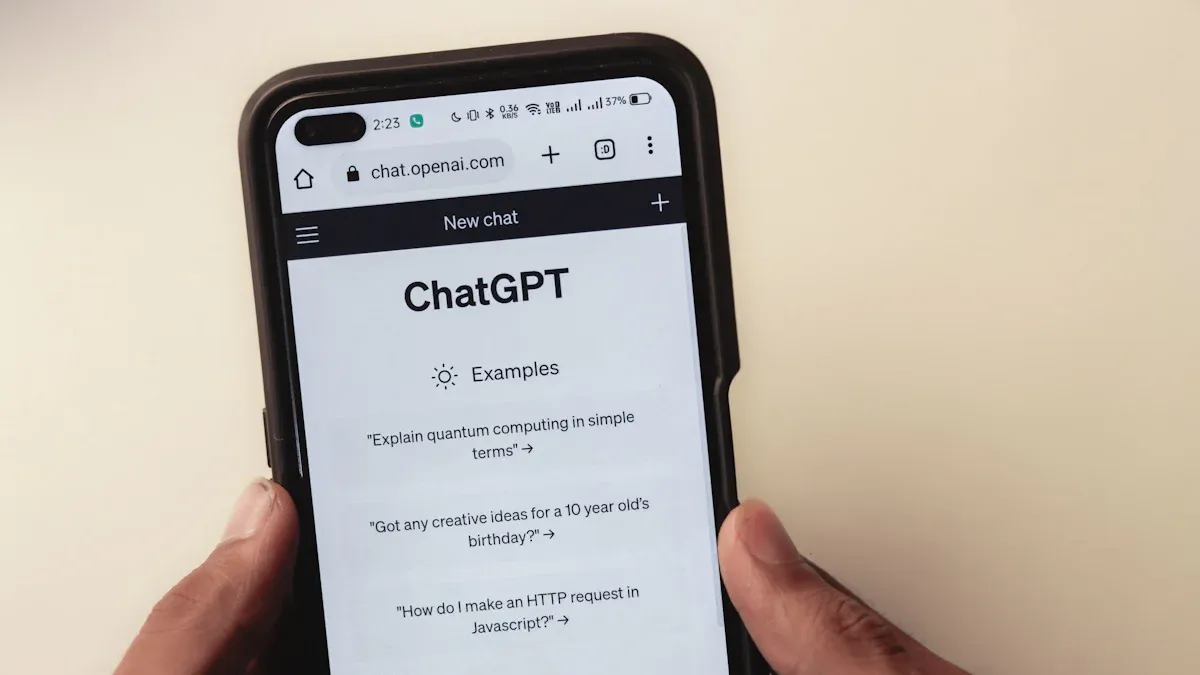
When you want to write a good chatgpt prompt for Nano Banana or Gemini 2.5 Flash Image, you need to focus on a few key things. These help you get the best results every time.
Be clear about what you want to change or create. If you want to swap clothes or add something new, say it directly.
Give enough detail so the AI knows what to keep the same. For example, mention the style, lighting, or perspective you want to preserve.
Use context to help the AI understand your subject. If you want a certain look or mood, describe it.
Ask for special outputs like diagrams, educational visuals, or quick mockups if you need them.
Keep your main idea simple. Focus on the most important parts of your image.
Tip: The more specific you are, the more likely you’ll get an image that matches your vision.
Common Mistakes
You might run into problems if you make these common mistakes:
Using vague or general prompts. If you just say “draw a cat,” you might get any kind of cat.
Adding too many details at once. This can confuse the AI and make the image look messy.
Forgetting to mention the style or medium. If you want a painting or a photo, say so.
Leaving out layout or viewpoint. If you want a close-up or a certain angle, include that.
Trying to fit too many things in one image. Stick to three to five main elements for the best results.
Remember, clear and focused prompts help you get the images you really want.
Quick Checklist
Step Guide
You want your image generation to go smoothly. Try this step-by-step guide before you send your request to Nano Banana or Gemini 2.5 Flash Image. Start by thinking about what you want. Break your request into simple parts. First, decide on the subject. Next, choose the style and composition. Then, add any special instructions. This method helps you focus on each detail and makes sure you do not miss anything important. When you follow these steps, you give the AI a clear path. You help the system understand your request and deliver better results. Step-by-step guides make complex tasks easier for any user. You can create backgrounds first, then add objects or effects. This way, you keep your prompt organized and consistent.
Tip: If you define your subject clearly, you guide the AI’s attention. You boost creativity and get higher quality images.
Final Review
Before you submit your request, take a moment to review your prompt. Read it out loud. Does it make sense? Is it easy for the AI to follow? Check if you included all the details a user needs. Make sure your instructions are clear and direct. If you spot anything confusing, rewrite that part. You want your request to be simple and focused. Use this checklist every time you create a prompt. It helps you avoid mistakes and get the best results from Nano Banana or Gemini 2.5 Flash Image.
Checklist Item | Why It Matters |
|---|---|
Clear subject | Guides AI focus |
Style and composition | Sets the look and feel |
Special instructions | Adds unique touches |
Final review | Catches errors and confusion |
You can boost your results by following these steps:
Expect some iterations.
Use clear reference images.
Limit character actions.
Use plain backgrounds.
Vague prompts often lead to disappointing results. Try “add warm sunset lighting” instead of “make it look good.”
Structured
Contextual
Realistic
Break down complexity
Following Steps | Not Following Steps |
|---|---|
Issues with incomplete edits |
Gemini 2.5 Flash Image lets you experiment quickly. Test new ideas, refine your prompts, and enjoy better images every time!
FAQ
How do I make my prompt more creative?
Try adding unique details or a fun twist. Use your imagination! You can ask for a specific mood, color, or style.
Can I use reference images with my prompt?
Yes! You can upload a reference image. This helps the AI understand your vision and match your request more closely.
What should I do if I don’t like the result?
Don’t worry! Change your prompt a little. Add more details or try a different style. You can always ask for help or ideas.
See Also
Introducing The Latest Nano Banana Features And Updates
Enhance Your AI's Intelligence With GPT-5 Prompt Optimizer
Jule: The AI Tool Simplifying Software Development Processes

© Copyright 2025 LinkstartAI - All Rights Reserved.