GPT-5 prompt optimizer makes your AI smarter fast


You can make your AI smarter very fast with the gpt-5 prompt optimizer from OpenAI. The gpt-5 prompt optimizer helps you write code, make good choices, and have an easier time using it. With the gpt-5 prompt optimizer, you can use different types of prompts and work right in the OpenAI Playground. Try the gpt-5 prompt optimizer to see how fast your results get better. The gpt-5 prompt optimizer changes to fit what you need and helps you do more with every job. Let the optimizer help your gpt-5 work and see your productivity go up.
Key Takeaways
The GPT-5 prompt optimizer helps you make clear and good prompts. This gives you better answers from the AI. Using the optimizer can make your results up to 70% better. It helps your AI work faster and smarter. You can use the optimizer in the OpenAI Playground. This makes it easy to test and fix your prompts. Follow best tips like being clear and specific. This will make your prompts better. The optimizer works for many tasks, like coding and creative projects. This makes it a tool you can use for many things.
What Is the GPT-5 Prompt Optimizer?
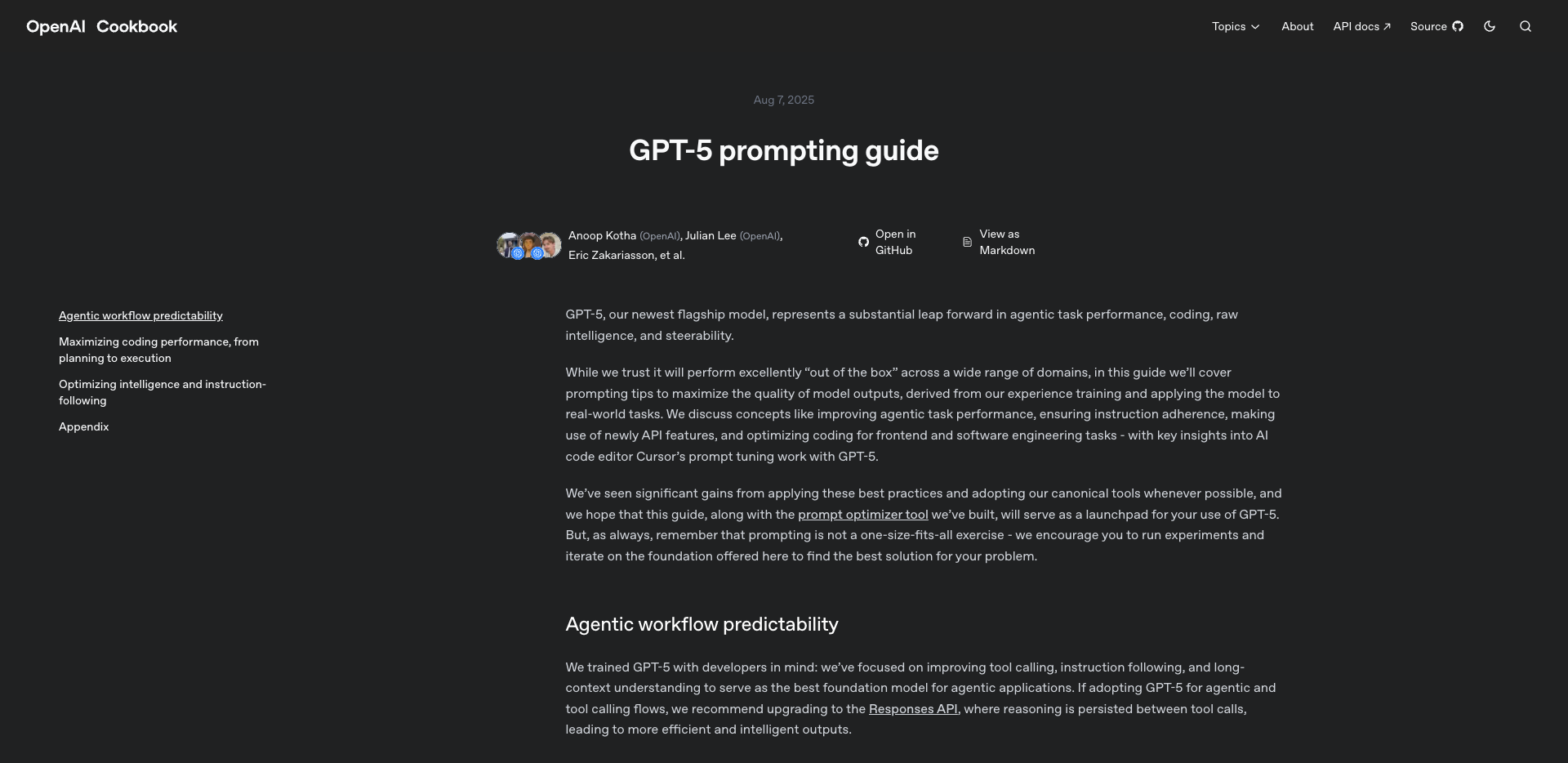
The GPT-5 prompt optimizer is a strong tool from OpenAI. You use it to make your prompts clear and easy to understand. When you use gpt-5, you might start with a simple idea or question. The openai prompt optimizer takes your idea and makes it into a prompt that gpt-5 can follow. This helps you get better answers and smarter results every time.
Core Features
There are many features that make the openai prompt optimizer special:
It helps make every prompt you write clear and exact.
The tool fixes mistakes that might confuse gpt-5, so your prompts always work.
You can add sections like Role, Task, Constraints, Output Format, and Checks to your prompts.
The optimizer changes prompts for different jobs, like coding, creative writing, or business tasks.
It takes out unclear words and gives you better, more exact choices for your prompts.
The tool lets you use text, images, or code together in one prompt.
You can use special ways to write prompts, like step-by-step plans or self-consistency, to help gpt-5 give the best answer.
Tip: If you use the prompt optimizer, you help gpt-5 turn messy prompts into clear ones. This means the AI gives better answers and makes fewer mistakes.
Integration with OpenAI Playground
You can use the gpt-5 prompt optimizer right in the OpenAI Playground. This makes it simple to test and change your prompts as you work. The tool shows you the best way to write prompts for what you need. If you want to use images, code, or more than one language, the optimizer helps you make prompts that use all these things together. You can also use cool features like Retrieval-Augmented Generation to add extra information fast. This lets you see how gpt-5 answers different prompts and helps you get better results quickly.
With the gpt-5 prompt optimizer, you have a smarter and faster way to use AI. You can focus on what you want to do while the tool helps you make good prompts.
How the GPT-5 Prompt Optimizer Boosts Performance
When you use the GPT-5 prompt optimizer, your AI works better. The optimizer helps by making your prompts clear and adding details. This makes your results more accurate. You will notice better results in coding, creative work, and business tasks. Let’s see how each part helps.
Prompt Refinement
You begin with a simple idea or question. The optimizer changes your idea into a strong prompt. This is called prompt refinement. Your prompts become clear and easy for GPT-5 to follow. Clear prompts help the AI make fewer mistakes and know what you want.
The optimizer takes out confusing words and fixes mistakes in your prompts.
You can add steps, goals, or checks to make prompts stronger.
GPT-5 uses special methods like chain-of-thought reasoning and few-shot learning for better answers.
Prompt engineering is important for getting the best from GPT-5. If your prompts are not good, you may get weak results. Making good prompts gives you better performance. In real tests, the optimizer makes prompts work 40% better on average. Some prompts get up to 70% better. Mistakes drop by half after using the optimizer. You also get a 45% better chance of success on the first try.
Note: When you make your prompts better, GPT-5 gives smarter and faster answers.
Context Understanding
GPT-5 is special because it understands context very well. The optimizer helps you add the right background and details to your prompts. This helps GPT-5 follow your instructions and make better choices.
You can use chain-of-thought reasoning to guide the AI step by step.
Few-shot learning lets you show GPT-5 examples, so it learns your style.
The optimizer lets you mix text, code, and images in one prompt.
In coding, GPT-5 can handle big code projects and fix hard problems. It finishes 80-90% of backend tasks on the first try. You spend less time checking its work. The model uses new ways to think and understand context. This means you can build apps faster and get smarter answers.
Tip: Add background to your prompts so GPT-5 knows your goals and works better.
Output Accuracy
You want your AI to give correct answers. The optimizer helps by making your prompts clear and focused. You can set goals for accuracy, speed, or creativity. GPT-5 uses chain-of-thought reasoning and few-shot learning to make answers better.
In coding, GPT-5 can build full web apps and modern designs from one prompt.
The optimizer lets you do A/B testing, so you can compare prompts and pick the best.
You get more steady and reliable answers, which is important for business and coding.
Tests show GPT-5 gets an 88% success rate in multi-language code editing. Other models only get 81%. The optimizer helps you see these gains by focusing on clear and accurate prompts.
Here is a table that compares GPT-5’s optimizer with other prompt tools:
Tool | Features | Focus Area |
|---|---|---|
GPT-5 | Upfront prompt crafting, consistent outputs | Coding, business |
Future AGI | Unified dashboard, prompt variants | Experimentation |
LangSmith | Batch-testing, UI/SDK integration | Testing |
PromptLayer | Version control, audit trails | Collaboration |
Humanloop | Collaborative editor, approval workflows | Enterprise |
PromptPerfect | Optimizes for clarity and style | Marketing, design |
You get more steady results with GPT-5, no matter what kind of prompt you use. The optimizer’s methods help you reach your goals faster and with better accuracy.
Key Benefits of GPT-5 Prompt Optimizer
Speed and Efficiency
You want to finish your work fast and do it well. The gpt-5 prompt optimizer helps you get results quickly. It lets you finish tasks with less work. When you use gpt-5, you notice a big boost in how it works. The model uses smart ways to think faster and deeper. You can work with big code projects or mix text, images, and code together. Many people say gpt-5 helps them do more with less effort. This makes your day easier.
Here is a table that shows what users like most about gpt-5:
Advantage | Description |
|---|---|
Performance Improvements | gpt-5 is faster, smarter, and understands more than old models |
Efficiency | It helps with many jobs in different fields |
Enhanced Trustworthiness | gpt-5 gives honest and clear answers, even if it cannot help |
You can see how gpt-5 saves time and helps you do better every day.
Consistency
You need results you can trust every time. The gpt-5 prompt optimizer uses strong methods to keep prompts clear. This means you get the same good results each time. The model avoids mistakes and finds problems before they happen. In coding, gpt-5 can solve almost all basic problems and check big projects. It keeps track of your work and uses smart steps to make sure you get the right answer. You can count on gpt-5 for easy and hard jobs.
User Experience
You want your AI to be simple and helpful. The gpt-5 prompt optimizer makes prompts easy to write and understand. The model uses smart ways to help you get better answers. You can see better choices, especially in business work. The optimizer acts like a safety net and finds problems before they waste your time. Many companies say they save a lot of money and get faster results with gpt-5. One company saved millions and finished work 70% faster. You get more value and better results with every prompt.
Using the GPT-5 Prompting Guide
Step-by-Step Process
You can get the most out of the gpt-5 prompt optimizer by following a clear process. The gpt-5 prompting guide gives you steps that help you create strong prompts and get better results.
Balance reasoning depth and output length. For simple tasks, use short prompts. For harder problems, add more details to your prompt.
Use multiple tool calls in one prompt. This saves time and lets gpt-5 handle several actions at once.
Ask gpt-5 to reflect on its answers. When you let the model check its own work, you get higher-quality results.
Try prompt chaining. Link prompts together to solve bigger problems step by step.
Review your results and adjust your prompt if needed. Small changes can make a big difference.
Tip: The gpt-5 prompting guide helps you reduce mistakes and makes your AI more accurate. Many users see fewer errors and faster answers when they follow these steps.
Best Practices
You can use several techniques and strategies to make your prompts even better. The table below shows some of the best ways to use the optimizer and improve your results.
Best Practice | Description |
|---|---|
Be Clear and Specific | Write prompts that are easy to understand and direct. |
Avoid Contradictions | Check your prompt for mixed messages or unclear instructions. |
Use OpenAI’s Prompt Optimizer | Use the optimizer in the Playground to check and fix your prompts automatically. |
Control Reasoning Effort | Change the reasoning setting in gpt-5 to match the task’s needs. |
You can also try optimized prompting strategies. These techniques help you get the best answers from gpt-5 in coding, business, and creative work.
Note: The gpt-5 prompting guide leads to fewer mistakes and better decisions. Many businesses see big gains in productivity and cost savings by using these strategies.
Troubleshooting
Sometimes you may run into issues when using gpt-5. The table below lists common problems and how you can fix them.
Issue Encountered | Resolution |
|---|---|
Improper prompting techniques | Learn and use effective prompting strategies. |
Frustration with results | Try new techniques and adjust your prompt for better outcomes. |
Subpar performance of gpt-5 | Use correct prompts to boost performance and accuracy. |
If you prepare your data and prompts well, you unlock more power from gpt-5. You can track things like first response time and customer satisfaction to see how much you improve.
Remember: Good preparation and the right strategies help you get the most from gpt-5 every time.
Real-World Results with GPT-5

Business Applications
You can see how gpt-5 helps in business. Many companies use gpt-5 every day. Here are some ways it helps:
gpt-5 makes reports that show important numbers. You get fast updates about your projects.
Teams use gpt-5 to build a library of lessons learned. This helps everyone learn from old projects and do better next time.
After a project, gpt-5 helps you write review notes and action items. This helps your team keep getting better.
These examples show gpt-5 helps people work faster. You get answers quickly and better support. About 89% of users like gpt-5. Companies save around $8,000 each month and do 30% less maintenance work. The rollback rate for migrations is less than 2%. These facts show gpt-5 works well in real businesses.
Coding Scenarios
Developers use gpt-5 to fix coding problems and make their work better. Here are some ways gpt-5 helps:
Scenario | Impact on Performance |
|---|---|
Refactoring | gpt-5 gives plans to clean up code, making updates easier. |
Debugging | gpt-5 finds bugs quickly and explains its ideas, saving time for developers. |
Performance Optimization | gpt-5 checks code and gives tips to make it run faster and use less memory. |
You can use gpt-5 to make test cases and benchmarks. It finds memory leaks and gives better ways to write code. Many developers say their code gets better with gpt-5. These examples show gpt-5 makes coding faster and more reliable.
Creative Use Cases
gpt-5 is great for creative work. You can use it for design, art, and media. The table below shows some creative ways to use it:
Use Case | Description |
|---|---|
Image Generation | gpt-5 makes images with special prompts and cool styles, setting new standards. |
Commercial Photography | Brands use gpt-5 to make product pictures without a camera. |
Entertainment | Studios use gpt-5 for art and storyboards, making new ideas quickly. |
Architecture | Architects use gpt-5 to make real-looking pictures of buildings before they are built. |
Designers upload product photos and get ideas to improve them. Studios use gpt-5 to plan movies and shows. Architects make lifelike pictures of spaces. These examples show gpt-5 brings new creative ideas and helps many jobs.
You can finish your work faster with the gpt-5 prompt optimizer. Many people say gpt-5 writes like a real person. It understands what you want and why you need it. The hybrid approach in gpt-5 lets you try new ideas and look at tasks closely.
You get better results in coding, business, and creative jobs. The optimizer helps you succeed on your first try 73% more often. It also makes hard tasks 2.3 times faster.
Your ideas help make gpt-5 better. OpenAI listens to you and updates gpt-5 for your needs. Try the optimizer and use the guide to get the best results.
FAQ
How do I start using the prompt optimizer?
You can access the prompt optimizer in the OpenAI Playground. Choose your task, enter your idea, and let the tool guide you. The optimizer helps you build strong prompts step by step.
Can I use the optimizer for images and code?
Yes! The optimizer supports text, images, and code. You can mix these in one prompt. This helps you solve many types of problems with one tool.
Does the optimizer work with gpt-5?
Yes, the prompt optimizer works with gpt-5. You get smarter and faster results when you use them together. The optimizer helps you get the best answers from the model.
What if my prompt does not give good results?
Try changing your prompt. Make it clear and direct. Use the optimizer’s suggestions. You can also review the GPT-5 prompting guide for more tips.
Is the optimizer helpful for business and creative work?
You can use the optimizer for business reports, coding, and creative projects. It helps you get better answers and finish your work faster.
See Also
Jule: The AI Tool Simplifying Software Development Processes
Exploring The Functionality And Mechanisms Of AI Agents

© Copyright 2025 LinkstartAI - All Rights Reserved.