Event Planning Workflow using AI Agents with TeamOut, Slack, and Google Calendar

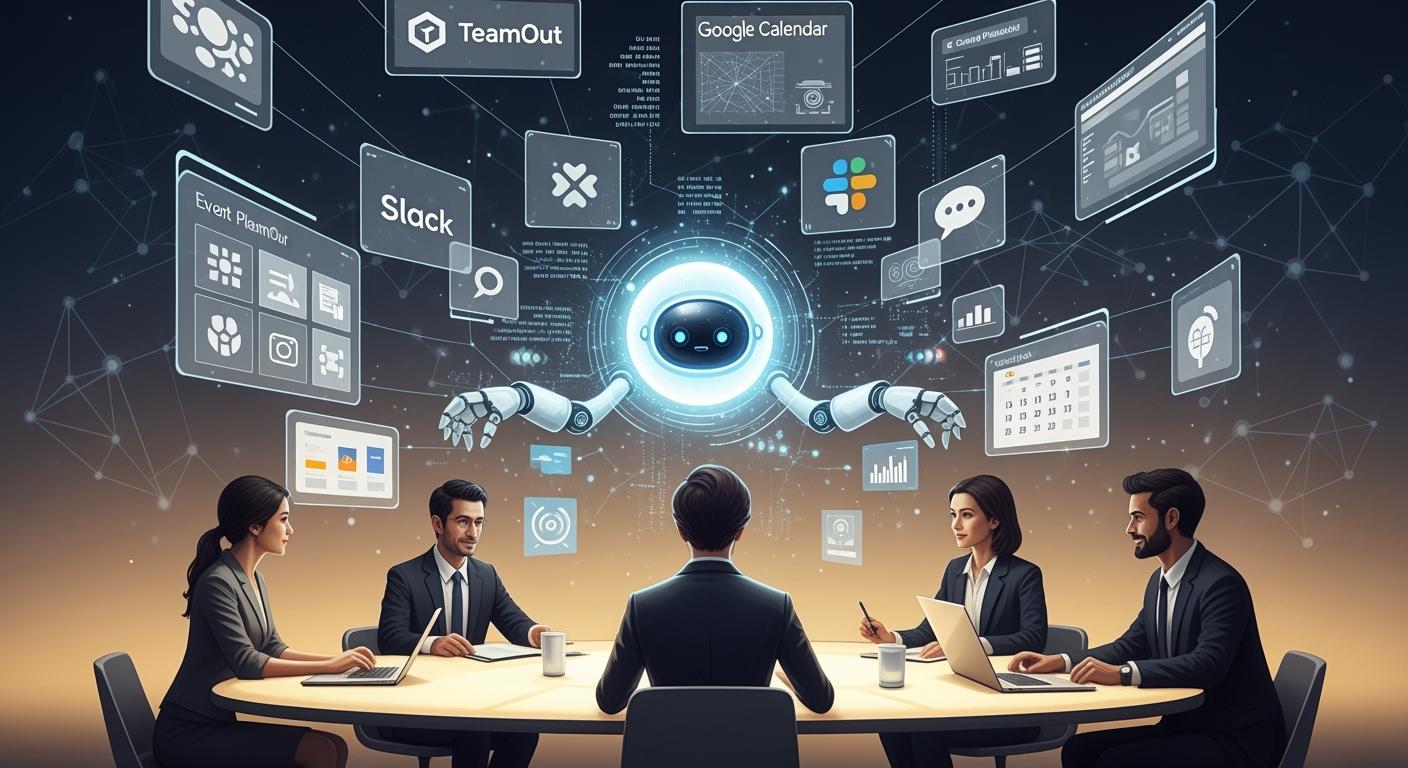
Planning an event can be very stressful, especially when teams face challenges like vendors canceling at the last minute. Often, they end up spending too much money or missing important schedule changes. Handling everything manually takes more time and increases costs. With TeamOut, you can leverage AI to streamline your event planning workflow. This can save you a significant amount of time and money, cutting planning time by 90%. Additionally, you can save up to 40% on accommodations and travel expenses. By integrating TeamOut with Slack and Google Calendar, the process becomes even easier. You gain a quick and straightforward way to plan, ensuring that every step is clear and organized.
Key Takeaways
AI tools like TeamOut help you plan events much faster. They can save you a lot of money too.
Planning events by hand can cause mistakes. It also takes a lot of time. AI does these jobs for you so you do not make errors.
When you use AI with Slack and Google Calendar, your team stays on track. Everyone knows what is happening.
AI agents do things like set up meetings and collect feedback. This gives you more time to make big choices.
Using AI in event planning helps your team talk better. It also means you make fewer mistakes.
Event Planning Workflow Challenges
Manual Coordination Issues
Planning an event without good tools can be hard. Many planners still use emails, phone calls, and spreadsheets. These ways take a lot of time and can cause mistakes. For example, you might spend hours just checking emails, calling people to confirm, and sending texts. The table below shows how much time these tasks can take:
Task | Time Lost (hours) |
|---|---|
Managing emails | 3.2 |
Making confirmation calls | 2.5 |
Texting | 1.8 |
When you do everything by hand, you can make mistakes that hurt your event. Some common problems are:
Teams do not talk well, so the catering team might not know about guest changes.
You or your team might get too tired and make mistakes.
Manual tools can work for small events. But when your event gets bigger, these tools are harder to use and can cause more problems. If your systems are not connected, it is hard for everyone to know what is happening.
Impact on Team Productivity
Bad planning does more than waste time. It can make your event take longer and cost more. When teams do not work well together, staff hours are wasted. You might also see hidden problems like tired workers or your brand getting hurt. These things can make your team less productive and your event not as good.
If you use AI-driven tools for your Event Planning Workflow, you can do less admin work, sometimes by 40%. You might keep more clients, book more events, and spend less money. Teams with better tools can plan more events and make them better for everyone.
AI Agents in Event Planning
Automating Tasks
AI agents can do many jobs for your Event Planning Workflow. These smart tools finish tasks that would take you a long time. For example, AI can help people meet others with the same interests. This makes it easier for guests to network. AI can also handle registration and ticketing. You do not need to check people in by yourself. During the event, AI gives you live updates about what is going on. It suggests sessions based on what people like. Chatbots answer guest questions right away. AI can also collect feedback and look at it very fast.
Here are some jobs you can let AI do:
Vendor coordination and scheduling
Real-time attendee support
Itinerary management
Feedback collection after the event
A recent case study showed AI cut vendor coordination time from 35 hours to just 4.5 hours for each event. Many groups saw up to a 40% drop in time spent on admin work. This means you can spend more time making your Event Planning Workflow better and more fun.
Tip: Let AI do the simple jobs. You will have more time to think about the important stuff.
Enhancing Communication
AI agents help your team talk and work together faster. These tools send meeting invites and change schedules for you. Chatbots answer common questions all day and night. This keeps your inbox from getting too full. Predictive analytics help you know which sessions will be popular. They also show who might not come.
AI Tool | Function |
|---|---|
Coordinate availability, send invites, adjust schedules | |
Chatbots for Attendee Support | Answer questions, work 24/7, give consistent info, reduce inbox overload |
Predictive Analytics Engines | Predict attendance, session popularity, no-show risks |
When you use AI in your Event Planning Workflow, you make choices faster and feel sure about them. One company had 63% fewer resource problems and 42% better budget accuracy. Another event made guests happier by 22% after using AI to make personal agendas. You can also plan 40% faster and have more people come to your events.
Integration with TeamOut, Slack, and Google Calendar
When you use TeamOut AI with Slack and Google Calendar, planning events gets much easier. These tools can work together as one system. This helps you plan faster and keeps things organized.
Setting Up TeamOut AI
First, connect TeamOut AI to your workspace. You do not need special tech skills for this. Here are the steps you can follow:
Go to your desktop and look for the Tools section.
Click Apps at the top left.
Type Google Calendar or Outlook Calendar and pick the app.
Click the Home tab and go to Settings.
Turn out-of-office syncing on or off if you want.
These steps help you link TeamOut AI with your calendar. Now you can see meetings and events in one place. You get updates right away. You can also set reminders so you do not forget important dates.
Tip: Check your settings after you connect TeamOut AI. This helps you not miss any alerts.
Slack Communication Automation
Slack helps your team talk and share news fast. When you connect TeamOut AI with Slack, you can send messages and reminders automatically. This saves time and keeps everyone up to date.
App Integration | Benefit |
|---|---|
Google Calendar | Tracks meetings and sends reminders so you do not miss events. |
Fellow | Turns Slack messages into agenda items and sends meeting recaps. |
Doodle | Makes it easy to pick meeting times and send invites. |
Grove | Helps manage events and gets more people to join with pages and polls. |
You can use Slack bots to send updates about your event. Bots can remind your team about meetings, share changes, and answer questions. Bots can also collect feedback after the event is over.
Here are some good ways to set up Slack bots:
Write down every input, output, and error.
Use backup messages if something goes wrong.
Only use the scopes you really need.
Check incoming requests with the signing secret.
Watch your logs for anything strange.
Note: Test your Slack bot before your event. This helps you find problems early and keeps your team ready.
Google Calendar Sync
Google Calendar helps you not double-book meetings. You can see when your team is free. This makes it easy to pick the best time for meetings. When you sync TeamOut AI with Google Calendar, you get updates right away and can plan better.
You can see when your team is free in real time. This helps you not book two things at once.
The 'Find a Time' tool shows when everyone is free. You can set up group meetings easily.
The 'Out of Office' tool says no to meetings when someone is away. This stops conflicts.
Color-coded calendars show team schedules with colors. This helps you see who is busy and cuts down on mix-ups by almost 80%.
Google Calendar can send reminders and updates to your team. This keeps everyone on track and helps you handle changes fast.
Tip: Use different colors for each team or event. This makes it easy to see who is free.
Troubleshooting Tips
If you have problems with the setup, try these ideas:
Make sure you have the right app permissions.
Restart your apps after you change settings.
Check that your internet is working well.
Update your apps to the newest version.
Ask support for help if you see errors you cannot fix.
These tips help your Event Planning Workflow run smoothly. Using automation and syncing saves time and stops mistakes. You can spend more time making your event great.
Event Planning Workflow Example
Step-by-Step Process
Let’s say you need to plan a team offsite. First, you open TeamOut AI and type in your event details. The AI quickly shows you places to have your event and tells you how much each costs. You pick your favorite places and share them with your team on Slack. Your team can vote or leave comments right away. After you choose a place, TeamOut AI sends booking requests and puts all the important dates in your Google Calendar.
Here is how AI agents help you from start to finish:
AI voice tools answer questions from attendees, making things easier.
AI keeps track of your schedule and changes it when needed.
AI uses real-time data to help you spend your budget wisely.
AI sends updates right away so everyone knows what is going on.
AI collects feedback and checks it to help you plan your next event.
AI agents do many steps for you, so you do not have to watch everything. The process goes faster, and you save time and money.
Real-Time Collaboration
You and your team work together in one shared space. TeamOut, Slack, and Google Calendar help everyone stay connected. The table below shows how these tools help you work together in real time:
Feature | Description |
|---|---|
Shared workspace access | Everyone works in the same place, so people do not get confused. |
Cloud-based synchronization | Changes show up right away for all team members. |
Simultaneous contribution | Many people can add or edit tasks at the same time. |
Integrated communication | Chat and video tools help you talk and keep things clear. |
Role management and permissions | You decide who can change or see each part of the plan. |
Version tracking and history | You can see every change and go back if you need to. |
Instant decision-making | Quick reviews and approvals help you move forward faster. |
Tip: Use chat to ask questions or share updates. This helps everyone know what is happening.
Managing Changes
Last-minute changes can happen at any event. AI agents help you handle these changes easily. If a session time changes or a vendor gives a new offer, the AI sends reminders and updates to everyone right away. The system updates all schedules and tells your team and vendors automatically. You do not have to send messages one by one.
AI sends reminders and updates when sessions change.
AI assistants update all details and tell the right people.
AI changes timelines and needs in real time, so your plan stays on track.
This way, your Event Planning Workflow is faster and clearer. You spend less time fixing problems and more time making your event great.
Maximizing Efficiency
Best Practices
You can get the most out of your Event Planning Workflow by following a few simple steps. Start by giving your AI agent clear details about your event. This helps the AI suggest the best sessions and connect people with similar interests. Adjust the AI’s tone to match your event. For example, use a friendly style for team-building events and a formal style for business meetings. Always check the AI’s suggestions before you share them. Make changes so the final plan fits your goals.
Agentic AI can make your event better by helping with session scheduling, matchmaking, wayfinding, and post-event analysis. This makes planning easier and helps guests have a great time.
Here are some tips to help you work smarter:
Begin with simple tasks and add more as your team gets comfortable.
Teach your team how to use the tools. This helps everyone feel confident.
Review and update your workflow often to keep things running smoothly.
Avoid these common mistakes:
Mistake | Explanation |
|---|---|
Shiny Object Syndrome | New tools can be exciting, but you should focus on what your team really needs. |
Trying to Automate Everything at Once | Start small. If you try to change everything at the same time, things can go wrong. |
Ignoring Team’s Learning Curve | Make sure everyone understands the tools. If not, you might waste time and effort. |
Security and Privacy
You should always protect your team’s information. Use strong passwords and keep your software up to date. Only give access to people who need it. Check your app permissions before you connect new tools. If you use Slack or Google Calendar, review their privacy settings. Make sure you know how your data is stored and shared.
Tip: Test your integrations in a safe space before using them for real events. This helps you spot problems early.
If you want more control, look for tools that let you set custom permissions. This keeps your data safe and lets you decide who can see or change your plans. By following these steps, you can build a secure and efficient event planning system.
You can plan events faster and easier with TeamOut, Slack, and Google Calendar. When you use AI agents, you get lots of good things. You save both time and money. You can make smarter choices. Your team will work together better. There are fewer mistakes. You can plan better because you get updates right away. Everyone can help out and stay on track.
If you want to know more, look at these resources:
AI for Event Managers: How Smart Tools Simplify Event Planning
Integrating Artificial Intelligence into Event Management
Interprefy for real-time translation
Try these tools and see how your next event can be even better.
FAQ
How do I start using TeamOut AI for event planning?
You can sign up on the TeamOut website. After you log in, enter your event details. The AI will suggest venues and options. You can connect your Slack and Google Calendar accounts for better workflow.
Can I use TeamOut AI with my existing Slack channels?
Yes, you can. TeamOut AI works with your current Slack channels. You can send updates, reminders, and polls directly to your team. This helps everyone stay informed.
What if my team uses Google Calendar for scheduling?
TeamOut AI syncs with Google Calendar. You can see all your events and meetings in one place. The AI updates your calendar when you make changes to your event plan.
Is my event data safe when I use these tools?
TeamOut, Slack, and Google Calendar use strong security. You control who can see or edit your event details. Always check your app permissions and use strong passwords.
What should I do if I have trouble with integration?
Check your app permissions.
Restart your apps.
Update to the latest version.
Contact support if you still have issues.
See Also
Creating An Instant English Learning System With AI Tools
Establishing A Seamless Daily English Improvement Cycle With AI
Exploring The Functionality And Role Of AI Agents
Jule The AI Assistant Simplifying Software Development Processes

© Copyright 2025 LinkstartAI - All Rights Reserved.