AI Prompting Cheat Sheet


You know that feeling when AI gives you bland, off-target answers? You’re not alone. Structured prompting changes everything. Check out these findings:
Study Focus | Findings |
|---|---|
Clarity and context in prompt design | Precise instructions boost AI output quality and consistency. |
Structured prompting impact | |
Prompt engineering necessity | Clarity leads to valid, context-aware results. |
Specific details help AI deliver what you want.
A good prompt always includes context, task, and requirements.
The AI Prompting Cheat Sheet helps you unlock better results.
Key Takeaways
Structured prompts lead to better AI responses. Use clear instructions to improve accuracy and relevance.
Role-playing prompts help the AI provide tailored answers. Specify a role to get more useful and context-aware responses.
Utilize ready-to-use templates for common tasks. They save time and ensure you get high-quality results quickly.
Why Use an AI Prompting Cheat Sheet
Common AI Output Problems
You might notice that AI sometimes gives you answers that just don’t fit. Maybe the response sounds generic, or it misses the point. Sometimes, the AI even makes things up, which can lead to big mistakes. For example, a lawyer once used AI for legal research and ended up with fake quotes and sources. That’s not just embarrassing—it can cause real problems.
Here are some common issues you might face:
The AI repeats human biases or stereotypes.
It creates information that looks real but isn’t (these are called “hallucinations”).
The output feels off-topic or too broad.
You spend too much time editing or fixing the results.
These problems can make you feel like you have less control. They can also slow down your work and make you trust AI less.
Benefits of Structured Prompting
Now, imagine you could fix most of these issues just by changing how you ask. That’s where the AI Prompting Cheat Sheet comes in. When you use clear, structured prompts, you help the AI understand exactly what you want. This means you get answers that are more accurate and useful.
Check out some real benefits:
Benefit | How It Helps You |
|---|---|
More relevant answers | Less time spent editing |
Fewer mistakes | More trust in the results |
Faster, clearer communication | Projects move quicker |
Better understanding of intent | AI gives you what you actually need |
You can save hours each week and even cut down on project timelines from weeks to hours. Structured prompting also helps you work better with others, since everyone knows what to expect from the AI. With the right approach, you turn AI from a guessing game into a powerful tool.
Core Prompting Techniques

You want better results from AI, right? The secret is learning a few core techniques. These methods help you move from basic prompts to structured ones. When you use them, you get answers that are clearer, more accurate, and easier to use. Let’s break down each technique and see how they can change your experience with the AI Prompting Cheat Sheet.
Zero-Shot vs. Few-Shot
Zero-shot and few-shot prompting are two ways to ask AI for help. Zero-shot means you give a direct command without examples. Few-shot means you show the AI a few examples before asking for a new answer.
Here’s how they compare:
Prompting Type | Observations | |
|---|---|---|
Zero-shot | Generally higher | More stable and reliable, especially in smaller models |
Few-shot | Lower | Can cause repetition and logical errors |
Prompting Type | Efficiency | Suitability |
|---|---|---|
Zero-shot | Faster | Simpler tasks |
Few-shot | Slower | Complex tasks needing accuracy |
Zero-shot prompting works best when you want quick answers and can check them yourself.
Few-shot prompting is great for tricky tasks, like customer service or when you need the AI to follow a special format.
Few-shot prompting shines when you need the AI to handle complex reasoning, spot sarcasm, or work with data that changes a lot. If you want the AI to understand a special way of answering, few-shot is your friend.
Tip: Start with zero-shot for simple questions. Switch to few-shot when you need more control or the task is complicated.
Role-Playing Prompts
Role-playing prompts let you tell the AI to act as someone else. You might say, “Act as a doctor,” or “Pretend you’re a financial advisor.” This trick helps the AI give answers that fit the job.
When you use role-playing, the AI changes its style and tone. It thinks more like the person you choose. Studies show that role-playing makes answers more specific and useful. For example, when you ask the AI to act as a medical assistant, it gives better health advice. If you ask it to be a financial advisor, you get smarter money tips.
Role-playing works well in many areas:
Healthcare: The AI gives advice that fits medical needs.
Finance: You get answers that match real financial advice.
You can use role-playing for almost any job. It helps the AI focus and gives you answers that make sense for your task.
Context Injection
Context injection means you give the AI extra information before you ask your question. You might share data, background, or details about your project. This helps the AI understand what you want.
When you add context, the AI gives answers that are more accurate and match your needs. It also remembers what you talked about before, so your conversation stays on track.
Here are some best practices for context injection:
Best Practice | Description |
|---|---|
Clarity | Make your instructions easy to understand. |
Specificity | Give detailed directions. |
Relevance | Only share information that matters for the task. |
Iteration | Keep improving your instructions based on results. |
Context Placement | Put important info in system messages for better answers. |
Prompt Security | Use system messages to keep your prompts safe. |
Context injection helps the AI focus on what matters.
It makes your answers less confusing and more useful.
You get better results when you keep your instructions clear and relevant.
Output Formatting
Output formatting tells the AI how you want your answer to look. You can ask for bullet points, tables, or section headers. This makes the response easier to read and use.
Here are some formatting techniques that work well:
Formatting Technique | Description | |||||||||||||||||||||||||||||||||||||||||||||||||||||||||||||||
|---|---|---|---|---|---|---|---|---|---|---|---|---|---|---|---|---|---|---|---|---|---|---|---|---|---|---|---|---|---|---|---|---|---|---|---|---|---|---|---|---|---|---|---|---|---|---|---|---|---|---|---|---|---|---|---|---|---|---|---|---|---|---|---|---|
Use section headers ( ,)
| ||||||||||||||||||||||||||||||||||||||||||||||||||||||||||||||||
You can see how these techniques make a big difference. When you move from basic prompts to structured ones, you unlock the real power of the AI Prompting Cheat Sheet. You get answers that are clear, accurate, and ready to use. Try these methods and watch your results improve! Advanced Prompting StrategiesReady to take your prompts to the next level? These advanced strategies help you get smarter, more accurate answers from AI. If you’ve mastered the basics, now’s your chance to unlock even more power with the AI Prompting Cheat Sheet. Chain-of-ThoughtChain-of-thought prompting asks the AI to think step-by-step. You guide the AI to break down a problem, which helps it reason better. For tough tasks, this method shines. Researchers found that extracting reasoning paths from context and using them to guide answers makes AI much smarter, especially with long or tricky texts. Here’s a quick look at how different chain-of-thought methods stack up:
Self-RefineSelf-refine strategies let the AI review and improve its own answers. You ask the AI to check for mistakes or make the response clearer. This process boosts quality and helps catch errors.
You can use techniques like self-critique or error feedback. These methods help lower error rates, sometimes dropping mistakes from 32% to almost zero in math problems. Reflective prompting also helps the AI spot and fix its own errors. Retrieval-Augmented GenerationRetrieval-augmented generation (RAG) connects the AI to outside sources. The AI pulls in real-time facts, so you get up-to-date and accurate answers. RAG models work fast and use only the data you need.
Prompting Frameworks for SuccessYou want to get the best results from AI every time, right? That’s where frameworks come in. Think of them as blueprints for your prompts. They help you ask smarter questions and get answers you can trust. Let’s look at three top frameworks from the AI Prompting Cheat Sheet. CO-STAR FrameworkUse the CO-STAR Framework when you need clear, detailed content—like marketing copy, emails, or reports. This framework helps you cover all the important parts:
CO-STAR makes sure you never miss a detail. You get content that fits your needs every time. RISE FrameworkThe RISE Framework works best for data analysis, reporting, or any task that needs step-by-step thinking. It breaks your prompt into five parts:
This structure gives you clear and consistent answers. You get more precise and useful outputs, which saves you time and effort. ReAct FrameworkIf you need the AI to solve complex problems or take action, try the ReAct Framework. It mixes reasoning with action, so the AI can think and do at the same time. Here’s how it performs on tough tasks:
ReAct helps the AI break big problems into smaller steps. It can adjust its plan as it learns new things, which means you get smarter, more accurate answers.
AI Prompting Cheat Sheet: Ready-to-Use Templates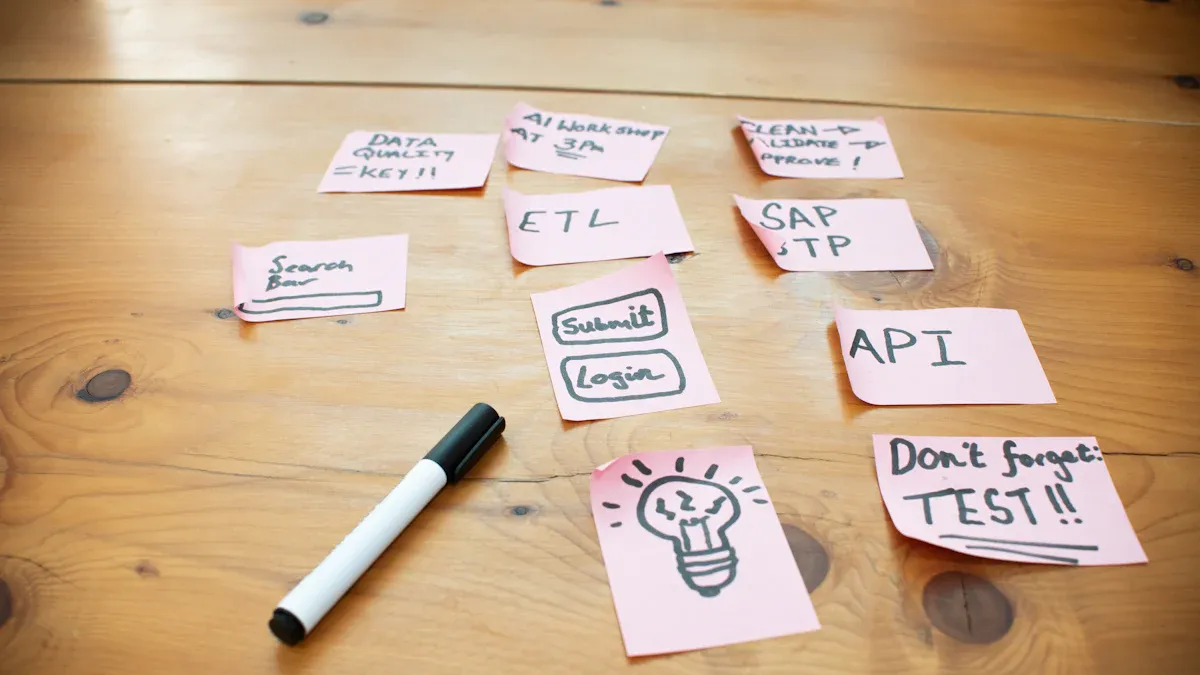 You want to get better results from AI, but you don’t want to spend hours figuring out what to ask. That’s why you need ready-to-use templates. These templates help you save time and get high-impact results fast. You can copy and paste them right into your favorite AI tool. The AI Prompting Cheat Sheet gives you a shortcut to smarter work. Content Creation PromptsYou need content that speaks to your audience. The right prompt can make your writing stand out. Here are some templates that work for marketing, business, and creative teams. Each one helps you target your readers and boost your message.
Here are some prompts you can use right now:
Data Analysis PromptsYou want to analyze data without getting lost in the details. Categorized prompt templates make your workflow smoother. They give you clear instructions and help you focus on what matters most. You spend less time on repetitive tasks and more time finding insights.
Rachel Green, a data analyst, used these templates and cut her report time from days to hours. She also found insights that boosted conversion rates by 23%. You can do the same. Try these prompts for your next project:
Coding and Research PromptsYou want to solve coding problems or do research without wasting time. The right prompt helps you get accurate answers and useful code. These templates guide the AI to think step-by-step and deliver results you can use right away.
The AI Prompting Cheat Sheet gives you templates for the most common and important tasks. You can use them for writing, analysis, coding, and research. Try them out and see how much time you save. You’ve seen how this cheat sheet turns generic AI answers into results you can trust. Try one new technique today—bookmark this page for easy access.
FAQHow do I know which prompting technique to use?You can start with zero-shot for simple tasks. Try few-shot or frameworks when you want more control or better results. Can I use these templates with any AI tool?Yes! You can copy and paste these prompts into most AI chatbots or writing tools. They work with popular platforms like ChatGPT and Bard. What if the AI still gives me bad answers?
See AlsoEnhance Your AI's Intelligence Quickly With GPT-5 Prompts Tips for Crafting Effective Prompts for Nano Banana Jule: The AI Tool Simplifying Software Development Processes 12 Innovative AI Solutions To Boost Your Productivity By 10x |

© Copyright 2025 LinkstartAI - All Rights Reserved.