AI Agents Killing Traditional Event Planning

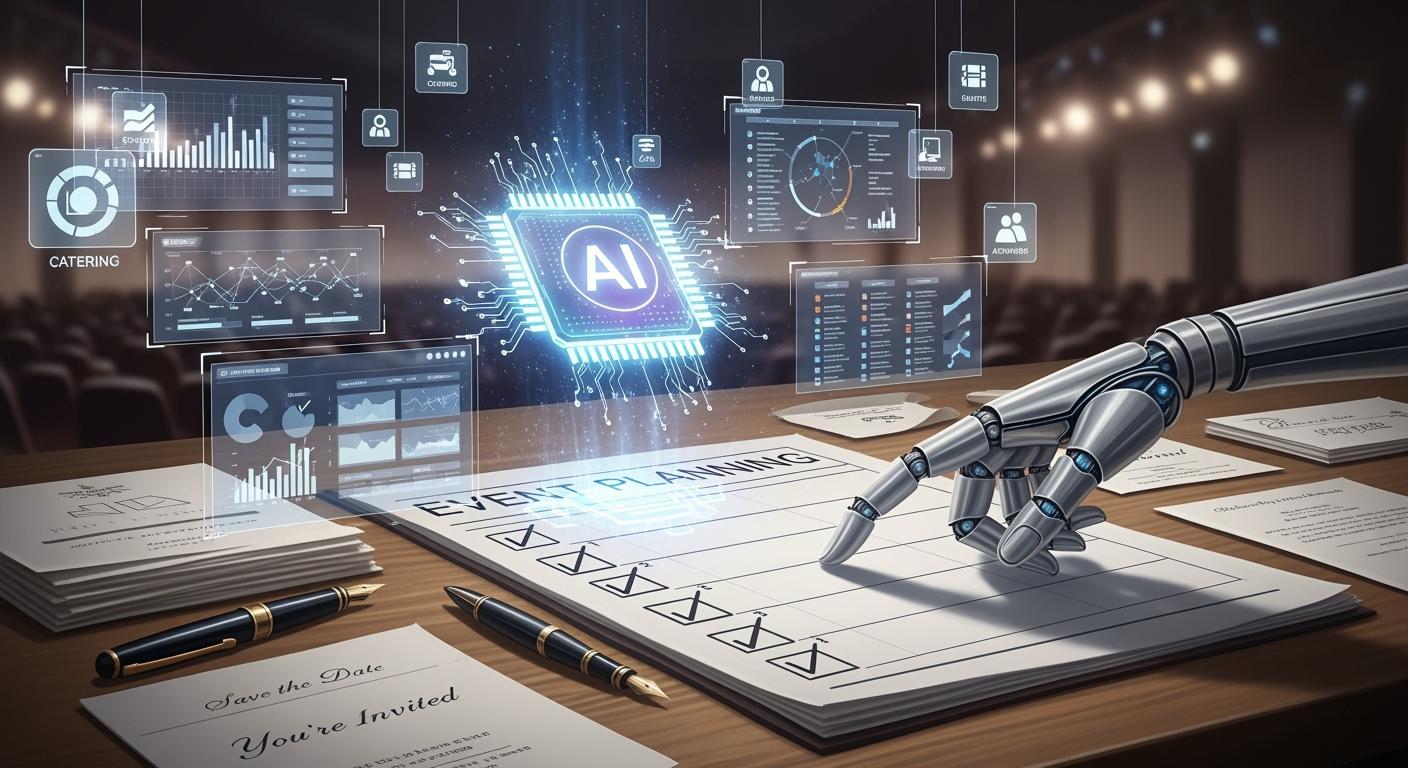
Are AI Agents "Killing" old event planning? You can see changes everywhere. AI is growing very fast. Most event planners now use AI tools to help with events. They use AI to plan, book, and manage things. Look at these facts:
Statistic | Source |
|---|---|
70% of global meetings professionals report using AI in their workflows | Statista |
63% of planners use AI for content, logistics, or analytics | Bizplanr |
89% of marketing decision-makers consider personalization essential | Content Scales |
Over 90% of planners use AI in their workflows | PCMA |
You see more AI at big events. IBM Watson was at the Masters. Google’s live captioning was at Google I/O. Platforms like teamout make planning faster and easier. Old ways are going away. Your job is changing too.
Key Takeaways
AI tools make event planning faster. They help finish tasks in minutes, not weeks. Event planners are still very important. They use creativity and fix problems that come up. Using AI can save a lot of money. Some people say they spend up to 40% less. Planners need to learn how to use AI tools. This helps them get better and work in new ways. When people and AI work together, events are special. They mix speed with a personal touch.
Are AI Agents 'Killing' Event Planning?
What’s Changing in the Industry
You might wonder what’s really different now. AI agents "Killing" old event planning is not just about replacing people. It’s about changing how you work. AI agents now do more than follow simple commands. They can break down big jobs, like planning a team offsite, into smaller steps. For example, they research venues, compare prices, and even book flights for you. If your favorite venue is not available, AI can quickly find another option. These tools learn from past events and predict what you might need next time.
Here are some ways AI is changing event planning:
AI uses past data to guess what guests will want.
It reacts fast if something goes wrong, like a crowded room.
Automated alerts help you stay on track.
Smart scheduling tools make it easy to plan sessions.
AI chatbots answer questions from guests right away.
Automated registration makes check-in smooth.
A Harvard study found that teams using AI finished tasks 25% faster and made better plans. You can see this in real life. Some companies cut their admin work by 40% with AI. Others book more events because they reply to clients in minutes, not days.
Aspect of Event Planning | Impact of AI |
|---|---|
Administrative Tasks | Less time on updates, more time for creativity. |
Guest and Vendor Coordination | Faster, easier communication. |
Creative Direction | Data-driven ideas and suggestions. |
Logistics Management | Smoother event setup and execution. |
Overall Efficiency | Happier clients and more complex events possible. |
What Remains Human-Driven
Even with all these changes, you still play a big part. Some things need a human touch. For example, you help set up AI tools and make sure they fit your event. Live events can be messy. If something unexpected happens, you step in to fix it. AI can’t read the room or understand feelings like you do. You know when a crowd is bored or excited. You also check AI’s work for mistakes. Sometimes, AI needs your guidance to make tough choices or handle special requests.
You provide tech support and custom solutions.
You handle surprises during live events.
You bring creativity and understand emotions.
You guide AI and make final decisions.
You proofread and check for errors.
So, while AI agents "Killing" old methods sounds dramatic, you still matter. The best events happen when you and AI work together.
Traditional vs. AI-Driven Planning
Old-School Methods
Think about how event planning used to be. You had to use spreadsheets and send lots of emails. You called vendors to get prices. Everything took a long time. You spent hours typing in data and checking RSVPs. Fixing problems at the last minute was hard. If someone missed a deadline, you changed the schedule fast. Sometimes, you called hotels and airlines for simple info. Mistakes happened easily, and you felt stressed.
You did most work by hand and tracked vendors all day.
Scheduling problems happened and made things messy.
Planning travel and places to stay made you tired.
Doing the same tasks over and over wasted your time.
You made choices by guessing. Making each guest feel special was tough. If something went wrong, you fixed it yourself. You did not get much warning. Costs kept growing, and you did not always know where money went.
Old ways made you work harder, not smarter.
AI-Driven Workflows
Now, things are not the same. AI-driven tools like TeamOut AI help a lot. You can plan events in minutes, not weeks. The system does boring jobs for you. You spend less time on small tasks. You get quotes right away and see all choices together. TeamOut AI helps you save up to 40% on travel and places to stay. You do not need to chase vendors or use many spreadsheets.
AI does jobs for you, so you make fewer mistakes and have more time for ideas.
Data helps you make smart choices and get better results.
You can make each guest’s experience special.
AI changes plans fast if something happens.
You save money and use things better.
TeamOut AI writes custom emails and sorts your mailing list. The dashboard shows what works and what needs fixing. You can focus on making the event great, not just keeping up with details. AI Agents "Killing" old ways means you finish more work, faster, and feel less stress.
With AI-driven tools, you work smarter and make better events.
Feature | Traditional Planning | AI-Driven Planning |
|---|---|---|
Time Needed | Weeks | Minutes |
Cost Transparency | Low | High |
Personalization | Limited | Scalable |
Error Rate | High | Low |
Workflow | Fragmented | Unified |
AI Disruptions in Event Planning
Automation & Speed
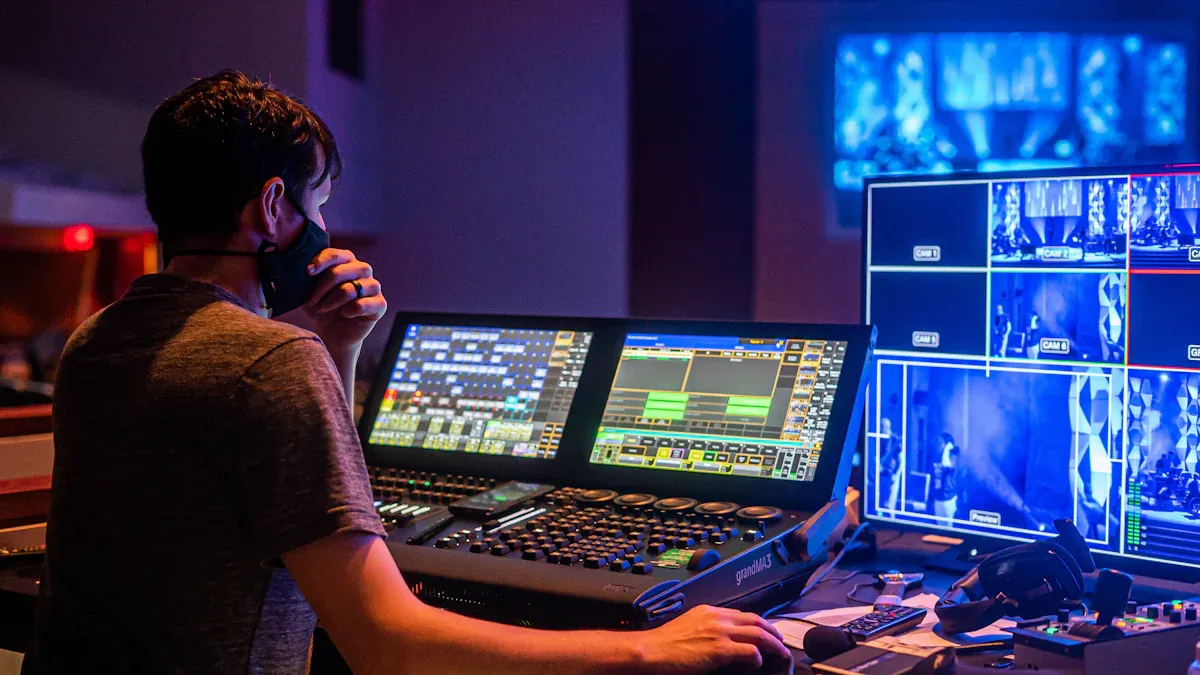
Now, you do not need to spend hours on boring work. AI agents handle simple jobs for you. This lets you focus on important things. You get quick help with scheduling and sending invites. Tracking RSVPs is easy too. With TeamOut AI, you can plan an event fast. It takes minutes, not weeks. The system finds places, checks prices, and makes a timeline for you.
Here’s how automation helps you:
AI tools make agendas in minutes, not weeks.
You can plan more events each year without extra work.
Check out this table to see your time savings:
Source | Time Saved | Description |
|---|---|---|
AI for Associations | 3 days to 3 hours | Data analysis is much faster, so you make decisions quickly. |
New AI Framework | 11 hours monthly | Communication is easier and takes less time. |
New AI Framework | 30 minutes instead of 4 hours | Timeline generator helps you focus on strategy, not paperwork. |
Personalization & Data
AI agents help make every event feel special. You can see what guests like and change things for them. TeamOut AI matches places to your team’s style and budget. You get feedback right away and can change plans quickly.
Here are some features you will like:
Feature | Description | Benefit |
|---|---|---|
Real-Time Attendee Tracking | See who is interested and who is not. | Make better choices during events. |
Personalization | Change content and networking for each guest. | Guests feel important and stay longer. |
Matchmaking | Connect people with the same interests. | Better networking. |
Predictive Analytics | Guess what guests will do next. | Smarter planning. |
Automated Processes | Registration and scheduling happen by themselves. | Less work for you. |
Personalization makes people enjoy events more. Guests come back to events that fit what they like. AI can make satisfaction go up by 20%. You get happier guests and better results.
Cost & Efficiency Gains
You want to save money and avoid problems. AI agents show you costs right away and stop last-minute issues. TeamOut AI gives you budgets fast and finds deals you might miss. You spend less on customer service and boring jobs.
Here’s a quick look at the gains:
Benefit | |
|---|---|
Reduction in customer service expenses | 40% |
Decrease in manual task time | 30% |
Increase in registration completion | 15-20% |
AI tools find problems early, so you do not waste money.
You get better deals with vendors because you have good data.
Planning is easier, and you make better events.
Studies show teams using AI finish tasks 25% faster and get 40% better results. When you use AI Agents "Killing" old ways, you do more and make clients happier.
Challenges of AI Adoption
Technical Barriers
You might feel excited about using AI, but some hurdles can slow you down. Many event planners run into technical problems when they try new AI tools. Here are some common issues:
High costs for special hardware or software licenses can make you think twice.
Many AI tools do not work well with your old systems. You may see problems with different formats or immature APIs.
When you move from a test to a real event, you might notice slowdowns or crashes.
Testing AI can be tricky. Sometimes, the results change each time you run the same task.
You may struggle to connect AI with your current tools, especially if you use older software.
Data quality matters. Only a small number of companies trust their data enough for AI to work well.
Security worries pop up if you use AI platforms that your company has not approved.
You also need people who know how to use AI. Many teams find it hard to hire skilled data scientists or engineers. Without a clear plan, you might end up with too many disconnected tools.
Human Touch & Trust
AI can do a lot, but it cannot replace your personal touch. Some people feel nervous about AI. They worry about losing their jobs or making mistakes. Others think using AI makes them look less skilled. Take a look at this table:
Challenge | Description |
|---|---|
Psychological and social barriers | People may resist AI because of fear or habits, not just lack of knowledge. |
Some believe using AI makes them seem less capable, even if results match. | |
Ethical concerns | Worries about fairness, privacy, and job security can slow adoption. |
You bring creativity and empathy to events. AI cannot read a room or sense emotions like you do. Many teams move slowly with AI because they want to keep that human feel.
Privacy & Integration
Privacy is a big deal in event planning. You collect lots of data about guests. You need to tell people what you collect and how you use it. Some tools track faces or locations, which can make guests uneasy. You must treat everyone fairly, no matter their background.
Always explain your data collection clearly.
Avoid tracking guests in ways that feel invasive.
Make sure your AI treats all guests equally.
You may also find it tough to connect AI with your other systems. Legacy software can cause delays or errors. You want everything to work together, but sometimes it takes extra effort.
Tip: Start small. Test AI tools with simple tasks before using them for big events. This helps you build trust and spot problems early.
New Roles for Planners
Upskilling for AI
You might wonder what skills you need now. AI changes your job, so you need to learn new things. Many planners are learning how to use AI tools. You get better at using dashboards, reading data, and making quick choices. Employers see skill gaps and want you to train more. If you know how to use AI, you can work faster and smarter.
You learn to use new event tech.
You get training in data analysis.
You become confident with AI dashboards.
You help your team adapt to new tools.
Tip: Try short online courses or workshops. They help you learn AI basics and boost your confidence.
Here’s a look at how your role is changing:
New Roles for Event Planners | Description |
|---|---|
Efficiency Enhancer | Automate tasks like registration, so you focus on big ideas. |
Data Analyst | Use AI to make smart decisions with data. |
Personalization Specialist | Create custom experiences for guests. |
Resource Optimizer | Predict turnout and use resources wisely. |
Real-time Adjuster | Change plans fast during events based on live feedback. |
Strategic & Creative Value
You do more than just manage details. AI takes care of boring jobs, so you get to be creative. You design better experiences and plan big-picture strategies. You use AI insights to pick the best ideas. You make each event special for every guest.
You focus on creative themes and fun activities.
You use data to plan sessions that guests love.
You design events that stand out.
AI helps you see what works and what doesn’t. You become a strategic designer, not just a manager.
Human-AI Collaboration
You and AI work together now. AI handles the routine stuff, but you add the magic. You use AI tools to check feedback and improve events. For example, tools like Sprinklr help you read guest reviews. Bizzabo suggests sessions for guests, and Cvent helps you build better agendas. At a L’Occitane event, planners used AI to write a script for an executive, making the talk more engaging.
"Humans are brilliant, but we miss things. AI can reduce friction, amplify relevance, and help us make smarter decisions faster." — Valerie Bihet, Founder of VIBE Agency
You guide AI, make final choices, and fix problems on the spot. When you mix your skills with AI, you create events that wow everyone.
Adapting to the AI Future
Practical Steps for Planners
You want to stay ahead in event planning. Start by talking openly with your team about why you use AI tools. Clear communication helps everyone feel comfortable. Get your team involved early. Ask for their thoughts and listen to their worries. This makes change easier for everyone.
Training matters a lot. Sign up for short courses or workshops that fit your role. You do not need to learn everything at once. Try new AI tools slowly. Give yourself and your team time to adjust. Encourage everyone to keep learning and try new things. When you make mistakes, treat them as lessons.
Here are some steps you can follow:
Talk with your team about AI goals and benefits.
Invite feedback and answer questions.
Join training sessions that match your job.
Add AI tools one at a time.
Keep learning and share tips with others.
Check if AI tools help you save time or money.
Ask your team what works and what needs fixing.
Stay updated on new AI features.
Tip: Celebrate small wins. When you see progress, share it with your team. This builds excitement and trust.
Leveraging AI for Growth
You can grow your events by picking the right tools for your team size. Small teams might use simple tools that help with invites and schedules. Bigger teams need more features, like real-time analytics or badge management. TeamOut AI works well with project management apps, so you can connect your planning with tools like Asana or Slack.
Here’s a quick guide to help you choose:
Tool | Features | Suitable for |
|---|---|---|
Zoho Backstage | Content insights, promotion automation | Small meetups, hybrid conferences |
Sweap | Staff coordination, badge management | Frequent events, small teams |
TeamOut AI + Slack/Asana | Fast planning, team updates, task tracking | Remote or growing teams |
Brella | Personalized meeting schedules | Multi-track conferences |
Cvent | Venue sourcing, forecasting, personalization | Large conferences |
EventsAir | Facial recognition, real-time analytics | Large venues |
You do not need every tool. Pick what fits your needs and budget. Try combining TeamOut AI with your favorite project management or chat app. This makes your workflow smooth and keeps everyone in the loop.
Remember, you do not have to do it all at once. Take small steps, and you will see big results.
You see that AI Agents "Killing" old event planning is really about transformation, not replacement. Rising costs, staffing shortages, and tighter budgets challenge you, but AI helps you work smarter. Try these steps to thrive:
Get your data ready.
Pick the right AI tools.
Start with small projects.
Work with your team.
Keep improving.
AI boosts your creativity and lets you focus on what matters—making events memorable. The future is bright when you and AI work together.
FAQ
How does AI make event planning faster?
You get instant venue matches, quick quotes, and automated schedules. AI tools like TeamOut AI cut planning time from weeks to minutes. You spend less time on emails and spreadsheets.
Will AI replace event planners?
No, you still play a big role. AI handles routine tasks, but you add creativity and solve problems. The best events happen when you and AI work together.
Is it hard to learn AI event tools?
Most AI platforms use simple dashboards and chat interfaces. You can start with basic features and learn as you go. Many tools offer tutorials and support.
Can AI help me save money on events?
Yes! AI finds deals, compares prices, and gives you clear budgets. You avoid hidden costs and make smarter choices. Many users report saving up to 40% on travel and venues.
What tools work well with TeamOut AI?
Tool | Use Case |
|---|---|
Slack | Team updates |
Asana | Task tracking |
Google Calendar | Scheduling |
Expensify | Budget tracking |
You can connect TeamOut AI with these tools for a smoother workflow.
See Also
Streamlining Event Planning with AI Agents and TeamOut
Are AI Agents from TeamOut Capable of Replacing Planners?
Comparing AI Agents to Conventional Foreign Educators

© Copyright 2025 LinkstartAI - All Rights Reserved.