5 Reasons You Shouldn't Use PostSyncer

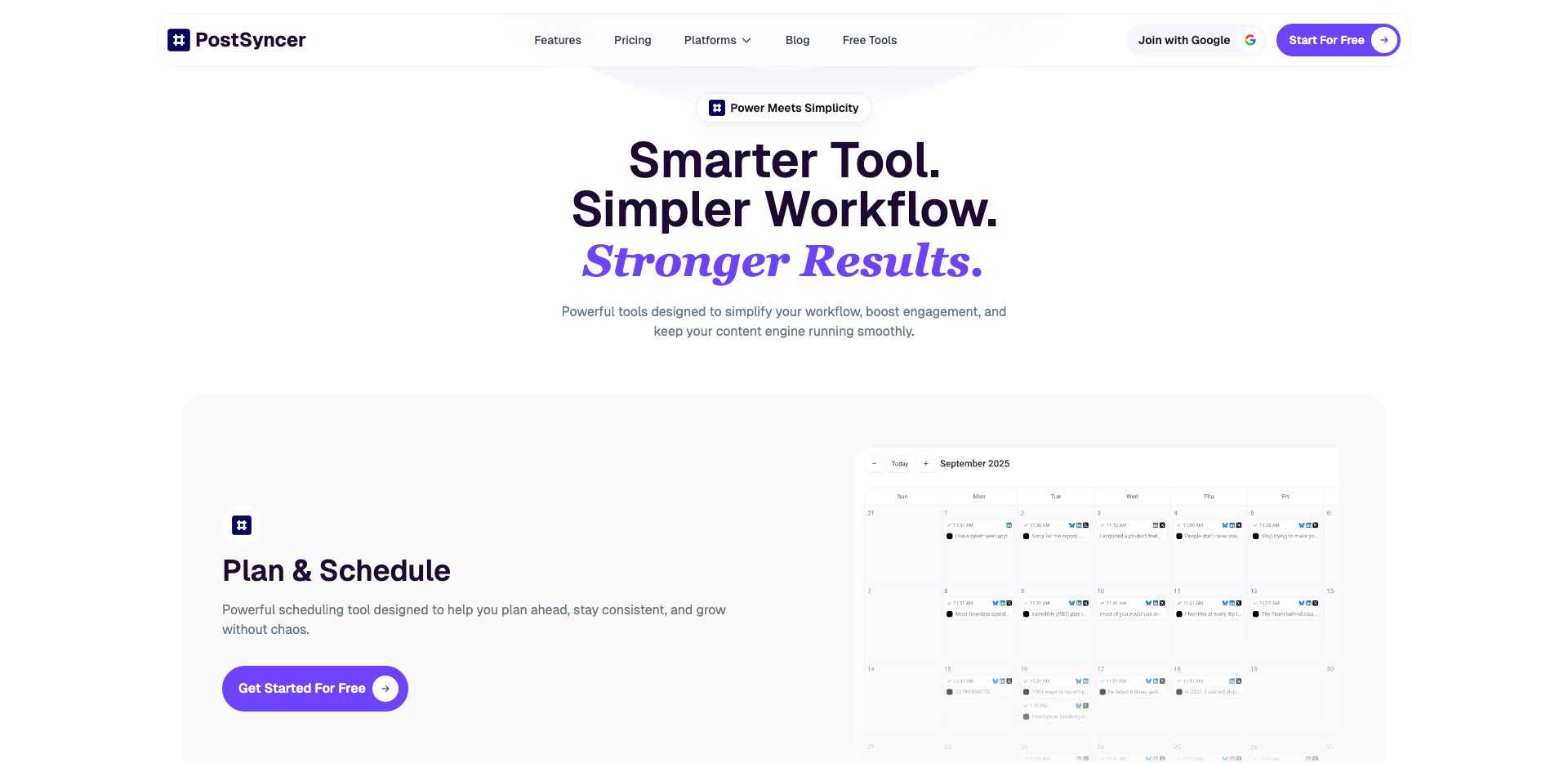
You may think PostSyncer is great for handling your social media. But you should look more closely before you start using it. Some people have found big problems that you should not ignore.
The feature list tries to do a lot, but PostSyncer has trouble working well and fitting in. It says it works with over 10 platforms, but users should check how strong the support is for each one.
Here are some reasons you shouldn't choose a tool just because it sounds good.
Key Takeaways
PostSyncer can use up your AI credits fast. This can make you pay more than you expect. Think about how often you post before you pick this tool.
The platform does not have important features. It does not have team tools or analytics. This can make your work harder. Check what you need and see if PostSyncer has it.
PostSyncer is a new tool. It might have bugs and problems. If you want something that works well, look at older tools.
Top Reasons You Shouldn't Use PostSyncer
Fast AI Credit Depletion
A big problem with PostSyncer is how fast your AI credits run out. If you post a lot or use AI for videos and captions, your credits may not last all month. The Starter plan gives you only a certain number of credits. Making just a few short videos can use them up quickly. When you run out, you must wait for next month or pay for a pricier plan. This can be annoying, especially if you thought the plan was cheap. Many people have to upgrade sooner than they wanted. If you want to avoid surprise bills, you should think twice before using PostSyncer.
Missing Key Features
Another reason to skip PostSyncer is that it does not have some important features. For example, you cannot see who changed posts in your team. You also cannot automatically repost your best evergreen content. Twitter DM automation is not there, so you cannot run full campaigns like on other platforms.
Teams and heavy users need things like good analytics, bulk scheduling, and custom approval steps. Without these, your work can get confusing and slow. You might have posts that do not match or miss smart ways to handle your content.
Here’s a quick look at what you might miss compared to other tools:
Feature | Hootsuite | Sprout Social |
|---|---|---|
Analytics | Mature analytics | Client-ready reports |
Team Collaboration | Custom workflows | Enterprise-grade |
Bulk Scheduling | Yes | Yes |
If you want to work well with a team or need strong reports, these missing features are reasons not to trust PostSyncer.
Product Immaturity Risks

New Platform Instability
When you use a brand-new tool, you take on some real risks. PostSyncer just launched, so you might run into bugs or things that do not work as expected. You could see features break or updates cause new problems. Sometimes, you might even lose access to your content for a short time. That can be stressful if you rely on the platform for your daily work.
Many new SaaS products have more errors and downtime than older, established tools. You may notice more support tickets and slower fixes. If you want a tool that just works, this is one of the big reasons you shouldn't pick a new platform.
Unresolved bugs can stick around for weeks.
Frequent performance issues can make you lose trust.
Downtime can hurt your posting schedule and audience reach.
Small Team Limitations
PostSyncer has a tiny founding team. That sounds cool at first, but it brings its own set of problems. When only a couple of people run everything, they have to juggle support, development, and new features all at once. As more users join, the team can get overwhelmed.
You might wait longer for answers to your questions.
Feature updates can slow down as the team gets busy.
Support quality may drop if the team stretches too thin.
Many small SaaS teams struggle to keep up as they grow. Delays in rolling out new features or fixing bugs are common. If you want fast support and steady improvements, you may want to look at more mature options.
Platform and Pricing Uncertainty
API and Policy Changes
You might think your social media plan is safe. But things can change very quickly. PostSyncer uses APIs from places like Twitter/X and Instagram. If these platforms change their rules or prices, you could lose features right away. Imagine you plan a big campaign. Suddenly, you cannot post videos or schedule threads because the API changed. This could ruin your whole plan.
You do not control these platforms. When they change their rules, PostSyncer has to hurry to keep up. Sometimes, features might stop working or go away without warning. This is a big reason not to trust a tool that depends on someone else’s rules.
Potential Price Increases
You might like the low price now, but it may not stay that way. Many SaaS tools start cheap to get more users, then raise prices later. You could end up paying more than you thought. Here is how other companies have changed their prices:
Company | Pricing Change Details |
|---|---|
Salesforce | Announced their first price hike in seven years |
Microsoft | Increased their pricing globally |
Industry | SaaS prices have risen approximately 12% industry-wide |
You might also find hidden fees or confusing plans. Here are some common worries people have:
You may need to pay extra for important features.
Changing prices make it hard to plan your budget.
If you want to avoid surprise bills and keep things steady, you should watch out for these risks.
Not for All User Types
Overkill for Simple Needs
You might only manage one or two social media accounts. Maybe you just want to post updates or share photos with friends. If that sounds like you, PostSyncer could feel like too much. The platform packs in AI-powered content creation, team collaboration, and analytics. These features sound cool, but you probably won’t use most of them.
Here’s what simple users usually look for:
Easy posting and scheduling
Quick access to basic analytics
Simple ways to reply to comments
No need for fancy AI tools or big team features
PostSyncer gives you a lot, like unlimited team members and broad platform support. If you don’t need all that, you might end up paying for extras you never use. You could try Buffer’s free plan or even schedule posts directly on Instagram or Facebook. These options keep things simple and save you money.
Tip: If you only post a few times a week, a basic tool will do the job. You don’t need a full suite with AI and advanced scheduling.
Weak for Enterprise Compliance
If you work for a big company, you need more than just posting tools. You want strong compliance, deep reporting, and secure workflows. PostSyncer doesn’t offer advanced approval steps or enterprise-grade security. You might struggle with audits or custom permissions.
Check out this table for better options:
Tool | Key Features | Pros | Cons | Price |
|---|---|---|---|---|
Sked Social | Role-based permissions, audit trails, 2FA | No per-user fees, 24/7 support | Custom setup needed | Custom pricing |
Sprout Social | Strong analytics, easy interface | Used by large organizations | Limited free trial | Varies by plan |
If you need compliance and advanced reporting, these tools fit better. You get peace of mind and features built for big teams.
Brand Voice and Engagement Concerns

Risk of Generic Messaging
You want your brand to stand out. When you use automation and AI to create posts, your message can start to sound like everyone else. AI tools often use the same words and style for many brands. Your audience might notice that your posts feel less personal or unique. People like to see real voices and stories. If your content feels too generic, they may stop paying attention.
AI-generated posts can make your brand voice sound plain and boring.
Research shows people engage less when they think a robot wrote the message.
Many brands using AI end up with the same “vanilla” style, so it’s hard to tell them apart.
You want your followers to remember you. If your posts blend in, you lose that special touch.
Reduced Direct Interaction
You might think scheduling all your posts saves time. It does help you stay consistent. Posting often keeps your brand fresh in people’s minds. Social media algorithms like regular activity, so you might see more likes and comments.
Scheduling tools can boost engagement by keeping your posting steady.
Consistent posts help your audience know when to expect new content.
Brands that use scheduling often get better results than those posting by hand.
But there’s a catch. If you rely only on automation, you might miss real conversations. Your audience wants replies and real-time interaction. If you don’t answer quickly or join discussions, people may feel ignored. Balance is key. Use scheduling to stay active, but don’t forget to talk with your followers.
You have learned five main reasons to be careful with PostSyncer. Before you choose any tool, think about what you really want. Ask yourself these questions: What is your main job? Does the tool work well with how you do things? Does it have the team features you need? Is the price good for you now and as you grow?
Here are some other tools you might want to try:
Alternative | Type | Description |
|---|---|---|
Buffer | Web-based, Android, iPhone, iPad | A free and popular choice instead of PostSyncer. |
Hootsuite | Commercial | A well-known tool for managing social media. |
Postiz | SaaS, Self-Hosted, Open Source | A flexible way to handle social media. |
Mixpost | SaaS | Lets you plan and organize your posts easily. |
dlvr.it | SaaS | Shares your content to many networks at once. |
Take your time and pick the tool that works best for you.
FAQ
Can I use PostSyncer for free?
You cannot use it for free. You get a 7-day free trial, but you must pay after that.
What happens if I run out of AI credits?
You stop using AI features until your credits renew or you upgrade your plan. Plan ahead if you post a lot.
Is PostSyncer good for big companies?
Not really. You may need stronger compliance, deeper reports, and more security.
Try Hootsuite or Sprout Social for enterprise needs.
See Also
The Risks of Unintentional Data Loss with AI Coding Tools
Vercel Introduces a Fresh Open Source Coding Experience
Tips for Crafting Effective Prompts for Nano Banana
Page Not Found: Understanding the 404 Error
NotebookLM Surpasses Classic Note Apps with Unique Design Features

© Copyright 2025 LinkstartAI - All Rights Reserved.